Please leave the example URL to allow us to check the issue.
In case you want to say thank you! 🙂 We'd really appreciate if you leave a good review on the plugin page. This is the best way to say thank you to this project and the support team.
Unfortunately I am not allowed to share any url at all. I know this will cripple the help I can get. I am hoping you have a checklist of what could be wrong so maybe I can start looking down the rabbit holes myself.
Could you please paste the same text again without the wpDiscuz plugin and let us know how it works without the wpDiscuz?
In case you want to say thank you! 🙂 We'd really appreciate if you leave a good review on the plugin page. This is the best way to say thank you to this project and the support team.
@asti Hey, it works as expected without wpdiscuz. Spacing where it's expected to be.
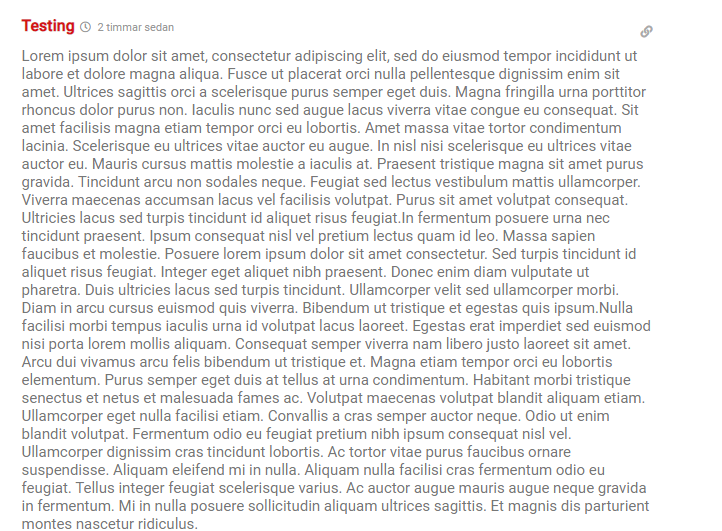
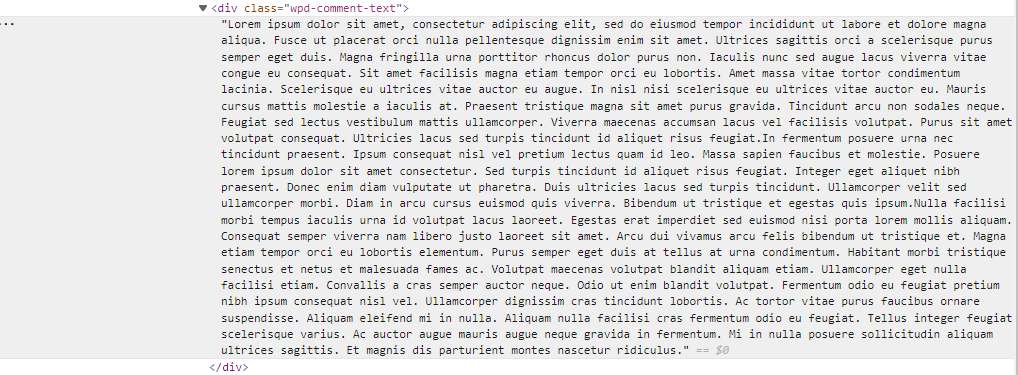
From what I read online there should be at least a <p> tag with wp discuz in comments. But if you see the picture above its just an empty div on my end. I dont know why that is.
In case you want to say thank you! 🙂 We'd really appreciate if you leave a good review on the plugin page. This is the best way to say thank you to this project and the support team.
@asti Hello, maybe you can help me now that I have some more information.
I managed to get the plugin to work by replacing the plugin with another version that worked. But the previous comments still doesn't render out the spaces. I think I know why.
The new comments are stored in the database with <p> tags, the old ones are stored without any <p> tags, and just have empty spaces between paragraphs.
My question then is, is there anyway I could make the plugin add those <p> tags where it's appropriate?