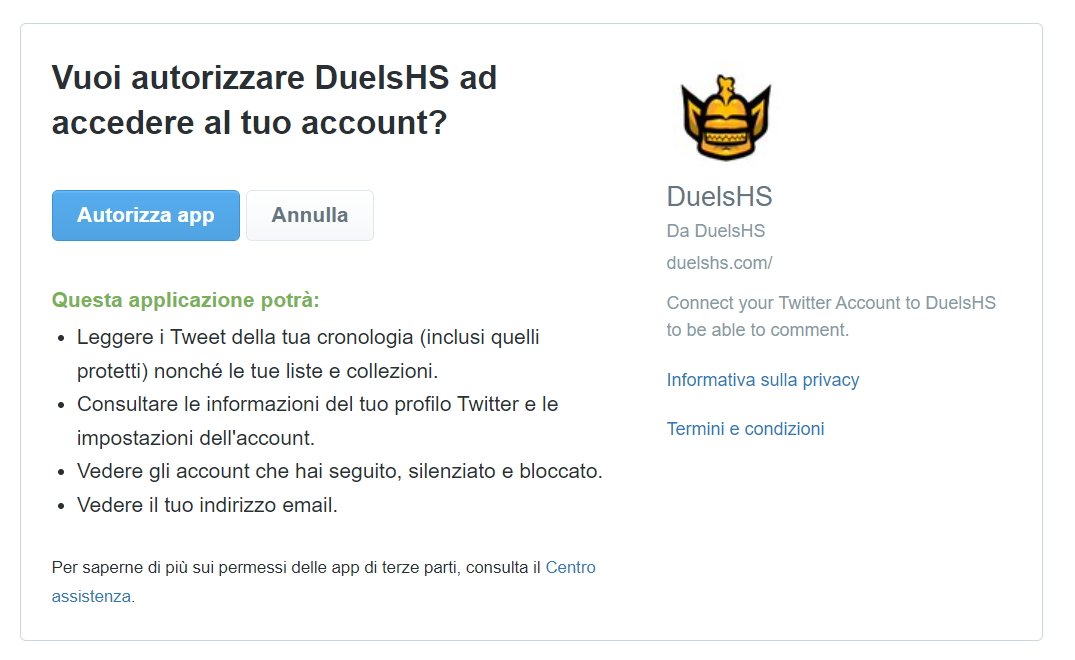
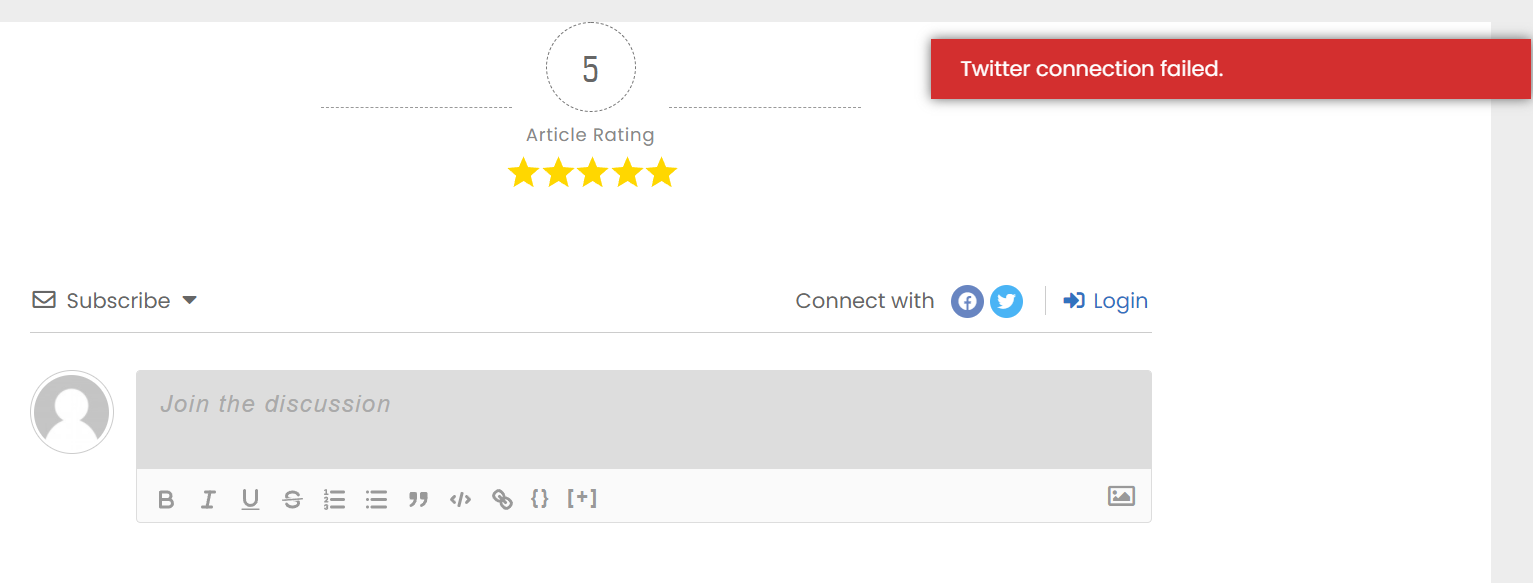
Hi, I followed the instruction to integrate Twitter App Configuration in order to let people log in with Twitter and comment. I successfully completed the process but now, if a user try to log with Twitter, after confirming their identity on the Twitter log-in landing page and having authorized the access of their data, they get redirected to the site and receive the error "Twitter connection failed".
In case you want to say thank you! 🙂 We'd really appreciate if you leave a good review on the plugin page. This is the best way to say thank you to this project and the support team.
@asti thank you for the reply. I followed that tutorial and i already got both API and Secret Key and inserted them in the Twitter Settings. I also inserted the Twitter callback URL in the Twitter Devs Dashboard, what I'm missing?
The only thing i haven't managed to follow in that guide is this step: "check the “Request email addresses from users” checkbox in “Additional Permissions” section" since i can't find it.
Are you sure the application is not yet under review? Have you confirmed the email address?
In case you want to say thank you! 🙂 We'd really appreciate if you leave a good review on the plugin page. This is the best way to say thank you to this project and the support team.