The effects of alcohol on sustanon 250 leucine for – real weight loss & bodybuilding benefits?
Search
Close
AI Search
Classic Search
 Search Phrase:
 Search Type:
Advanced search options
 Search in Forums:
 Search in date period:

 Sort Search Results by:

AI Assistant
Notifications
Clear all

[Solved] New Addon - wpDiscuz Syntax Highlighter

1 Posts
1 Users
0 Reactions
7,962 Views
Tom
 Tom
(@tomson)
Posts: 512
Honorable Member Support
Topic starter
Translate
English
Spanish
French
German
Italian
Portuguese
Russian
Chinese
Japanese
Korean
Arabic
Hindi
Dutch
Polish
Turkish
Vietnamese
Thai
Swedish
Danish
Finnish
Norwegian
Czech
Hungarian
Romanian
Greek
Hebrew
Indonesian
Malay
Ukrainian
Bulgarian
Croatian
Slovak
Slovenian
Serbian
Lithuanian
Latvian
Estonian
 
[#310]

wpDiscuz Syntax Highlighter

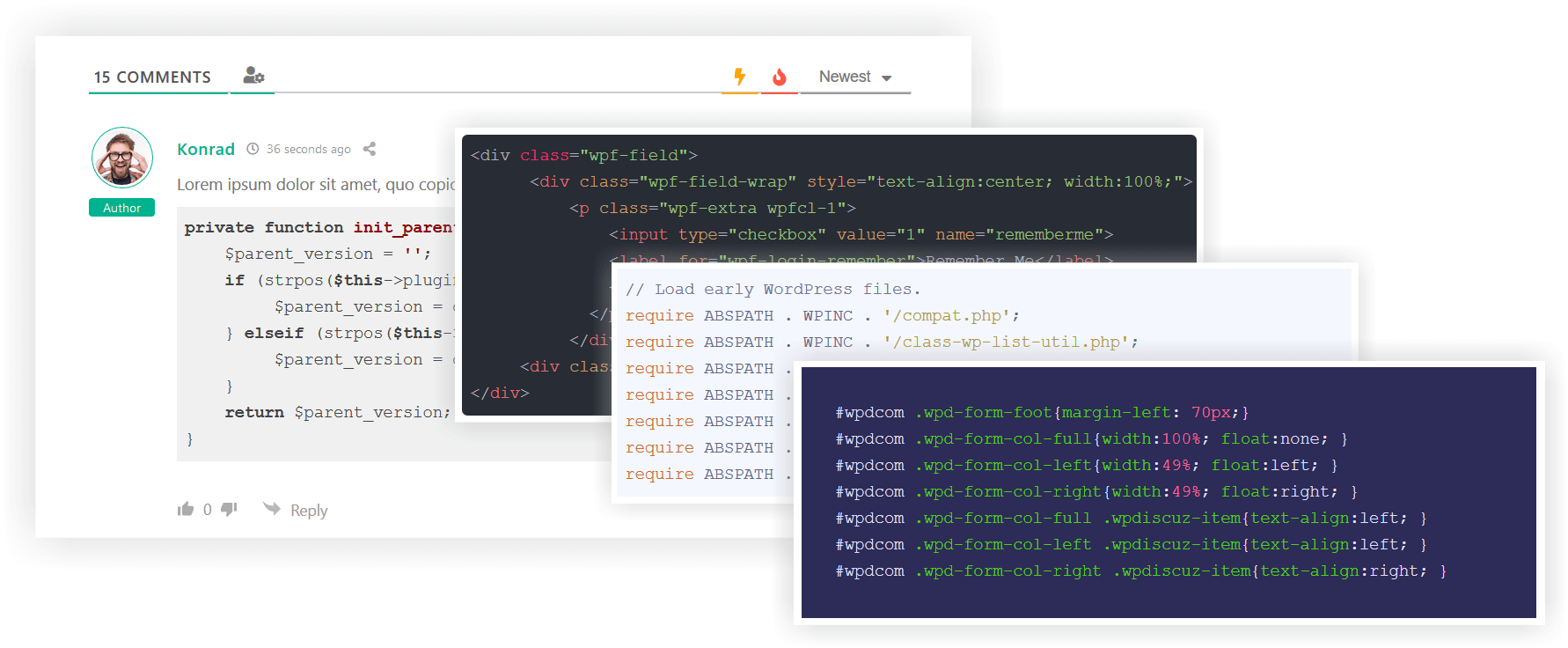
We've created and released a new very useful addon for syntax highlighting in comments. wpDiscuz Syntax Highlighter addon displays formatted source code using the highlight.js JavaScript library in comment content.

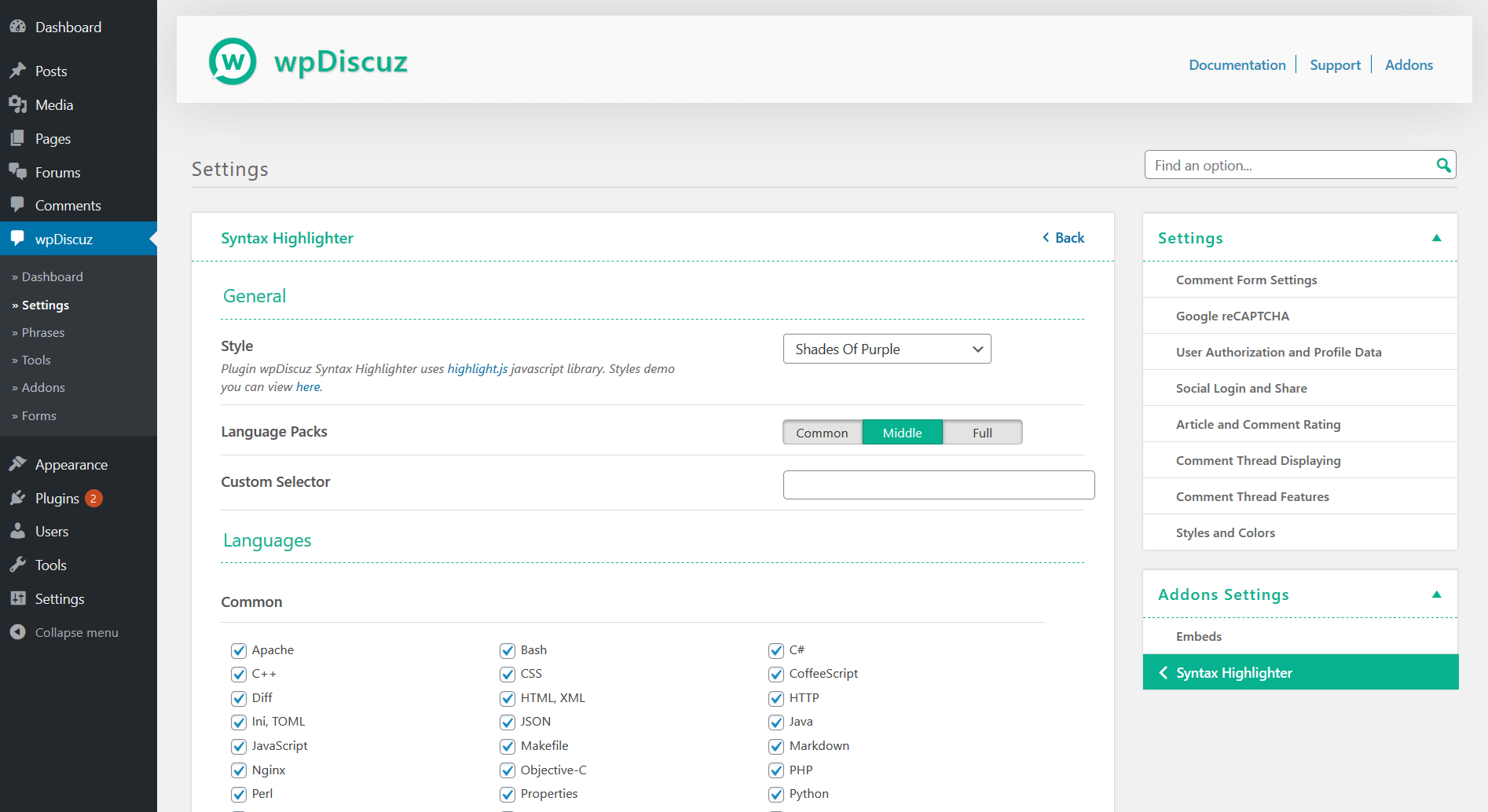
This addon supports almost all programming languages including Apache, Bash, C#, C++, CSS, HTML, XML, JSON, Java, JavaScript, Objective-C, PHP, Perl, Python, Ruby, SQL, Basic, Delphi, Erlang, Matlab, Prolog, ScalaScheme, Swift, TypeScript, VB.NET, Shell with dozens of different syntax highlighting styles.

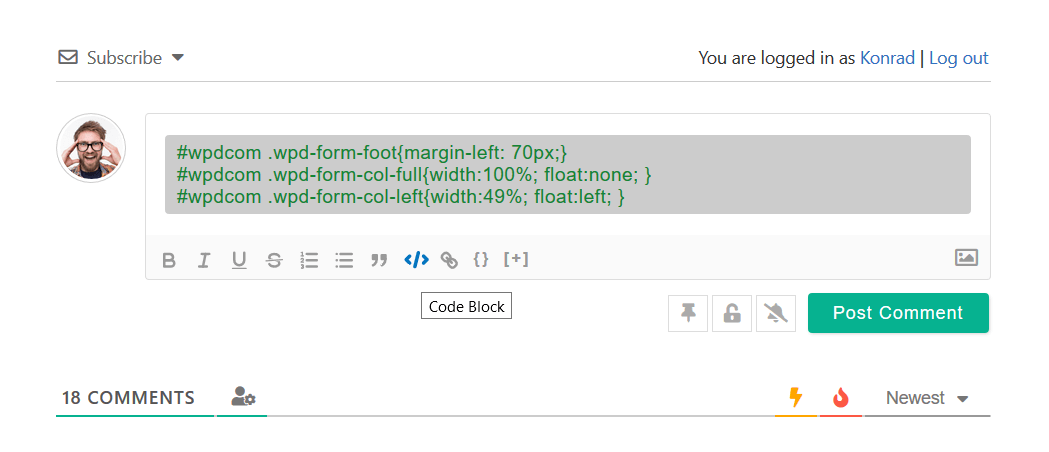
With this addons your commenters can insert different scripts and codes using the [</>] code toolbar button in comment editor. In the dashboard settings you can enable/disable certain programming language and change the highlighting style.


Addon Page: https://gvectors.com/product/wpdiscuz-syntax-highlighter/

Questions & Support: https://gvectors.com/forum/official-wpdiscuz-add-ons/


wpDiscuz syntax highlighter
wpDiscuz syntax highlighter on editor
wpDiscuz syntax highlighter dashboard


Posted : 09/06/2020 9:27 am