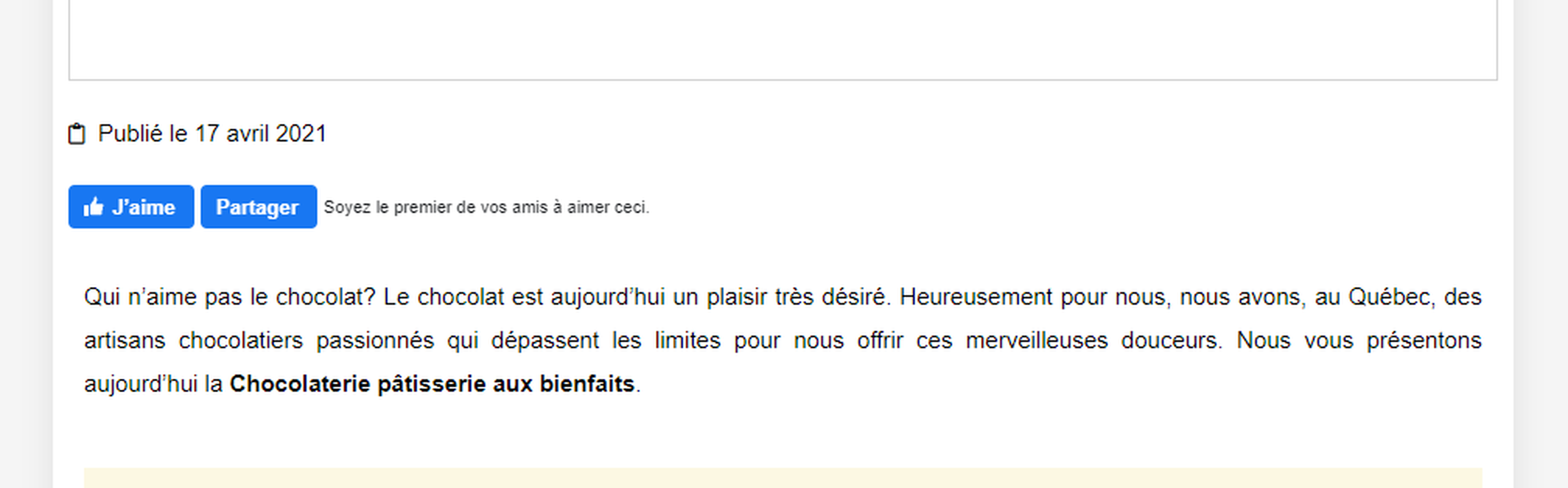
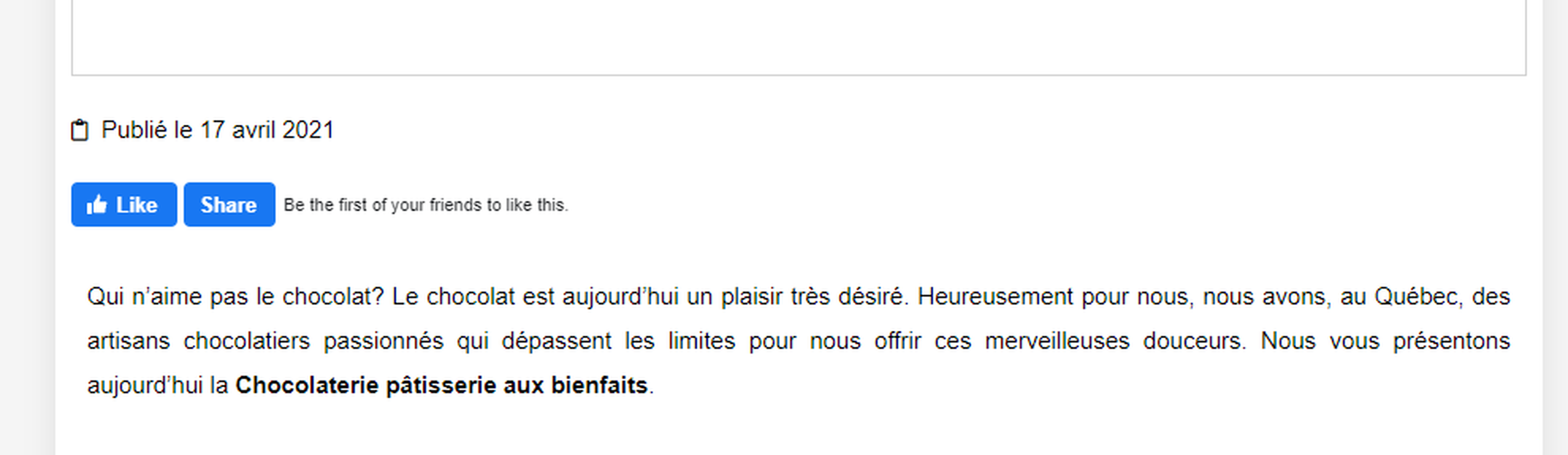
Hi, I use Elementor Pro with Ocean extra theme. I install wpdiscuz today and I have problem with my Facebook like button.
My website is in french so my facebook widget is in French. If wpdiscuz isn't activate, widget is in French. If wpdiscuz is «on», my facebook widget, Like button, is now in english in my post... How can I fix it?
In case you want to say thank you! 🙂 We'd really appreciate if you leave a good review on the plugin page. This is the best way to say thank you to this project and the support team.
The screenshots are missing. Could you please attach those as well, to allow us better understand the issue?
In case you want to say thank you! 🙂 We'd really appreciate if you leave a good review on the plugin page. This is the best way to say thank you to this project and the support team.
Please deactivate the wpDiscuz plugin and let us know.
In case you want to say thank you! 🙂 We'd really appreciate if you leave a good review on the plugin page. This is the best way to say thank you to this project and the support team.
Please navigate to Dashboard >wpDiscuz > Settings > Social Login and Share admin page, enable the "Use Facebook OAuth2" option and disable the "Facebook Share Button" option. It should work fine.
In case you want to say thank you! 🙂 We'd really appreciate if you leave a good review on the plugin page. This is the best way to say thank you to this project and the support team.
If it doesn't help, please deactivate the "Facebook Login Button" and "Use Facebook OAuth2" options, delete all caches and check again.
In case you want to say thank you! 🙂 We'd really appreciate if you leave a good review on the plugin page. This is the best way to say thank you to this project and the support team.
@asti I've aldready clear the cache. I clear it again and it's not working. I disable the facebook login button and share facebook button, I clear the cache again and I have the same problem... plus, the Facebook login button disapear (So, I put it on again after).
Please send the admin login details to info[at]gvectors.com email address. I'll ask the developers to check the issue.
In case you want to say thank you! 🙂 We'd really appreciate if you leave a good review on the plugin page. This is the best way to say thank you to this project and the support team.
Please leave the email subject here to allow us to easily find it.
In case you want to say thank you! 🙂 We'd really appreciate if you leave a good review on the plugin page. This is the best way to say thank you to this project and the support team.