The effects of alcohol on sustanon 250 leucine for – real weight loss & bodybuilding benefits?
Search
Close
AI Search
Classic Search
 Search Phrase:
 Search Type:
Advanced search options
 Search in Forums:
 Search in date period:

 Sort Search Results by:

Filter by custom fields

Topic prefix

AI Assistant
recaptcha saying: E...
 
Notifications
Clear all

[Solved] recaptcha saying: Error: You entered an incorrect CAPTCHA answer. Please go back and try again.

3 Posts
2 Users
0 Reactions
5,362 Views
(@mrdev)
Posts: 2
New Member
Topic starter
Translate
English
Spanish
French
German
Italian
Portuguese
Russian
Chinese
Japanese
Korean
Arabic
Hindi
Dutch
Polish
Turkish
Vietnamese
Thai
Swedish
Danish
Finnish
Norwegian
Czech
Hungarian
Romanian
Greek
Hebrew
Indonesian
Malay
Ukrainian
Bulgarian
Croatian
Slovak
Slovenian
Serbian
Lithuanian
Latvian
Estonian
 
[#1072]

I am having problem when adding comment as guest.
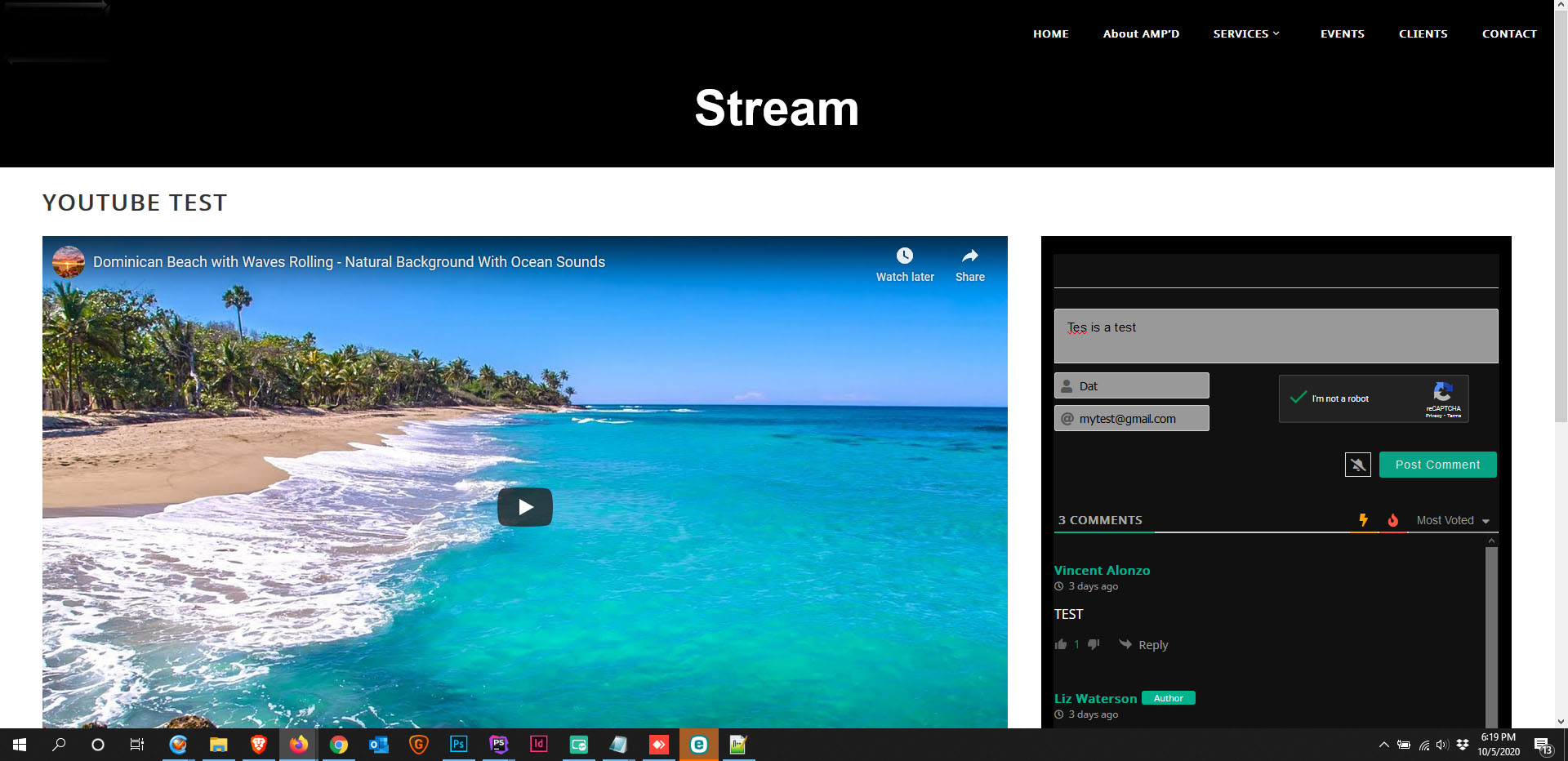
I have filled out all the comments requirement and did the re-captcha.

 
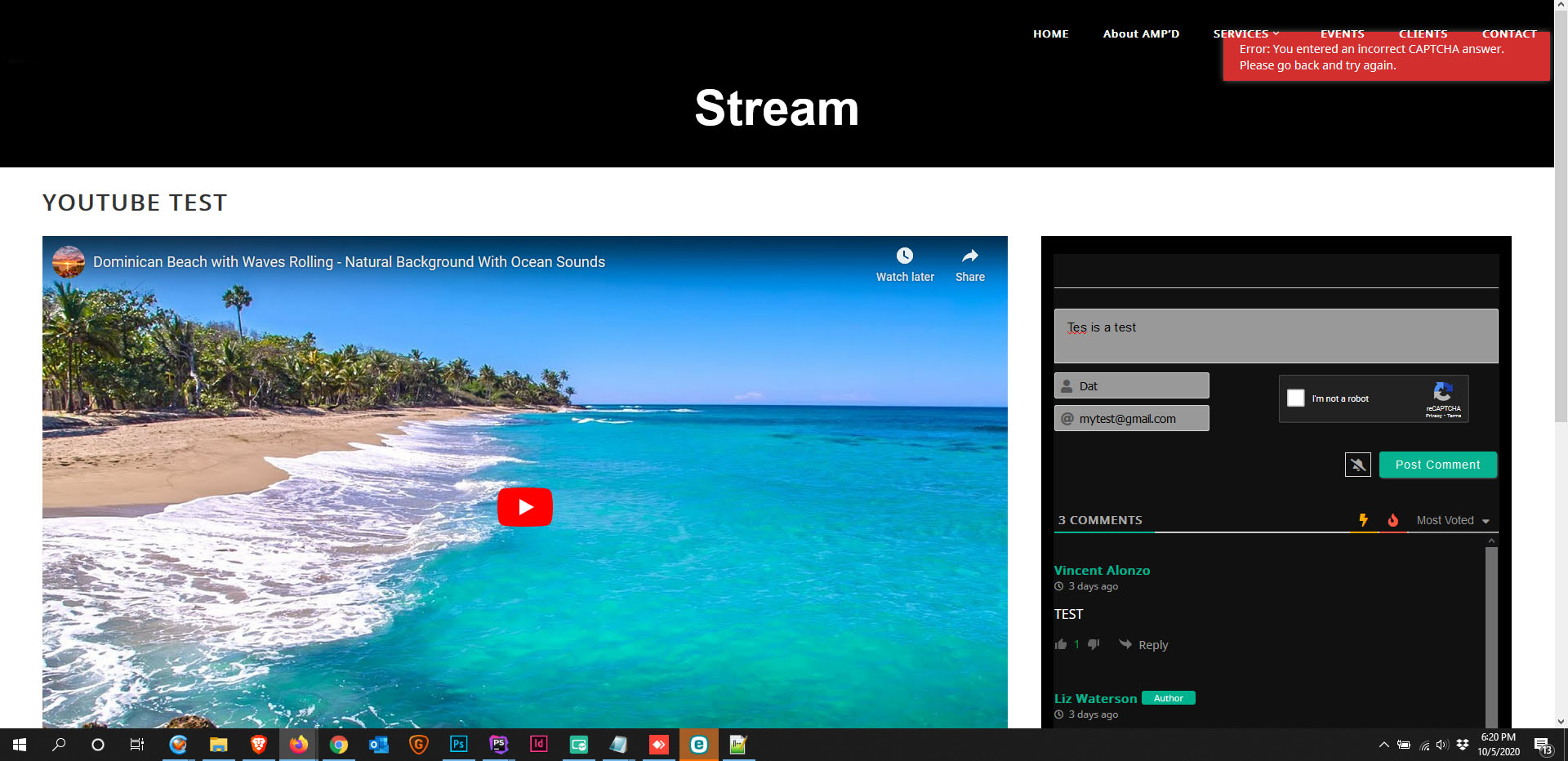
After I check on send it say:
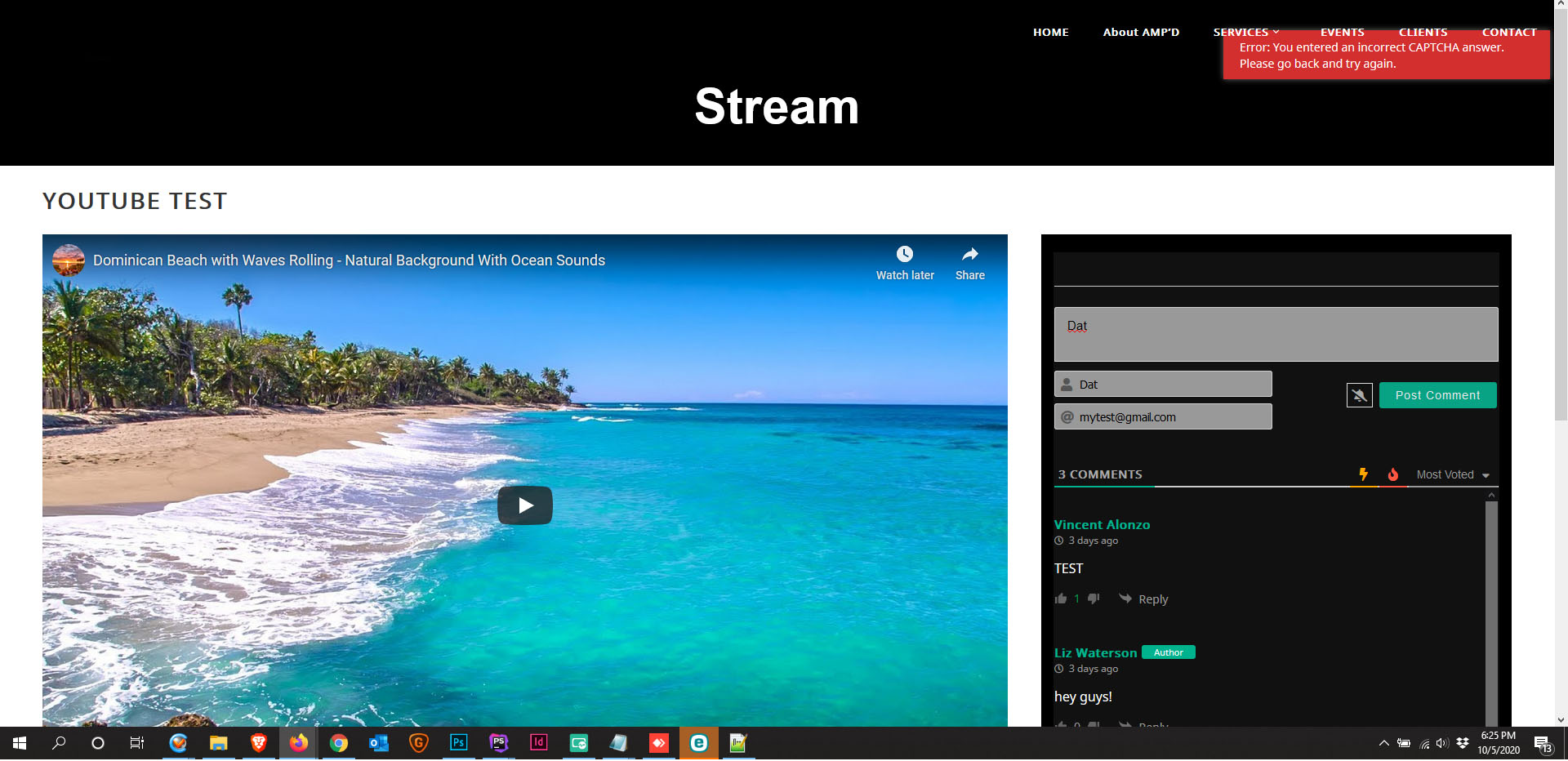
Error: You entered an incorrect CAPTCHA answer. Please go back and try again.

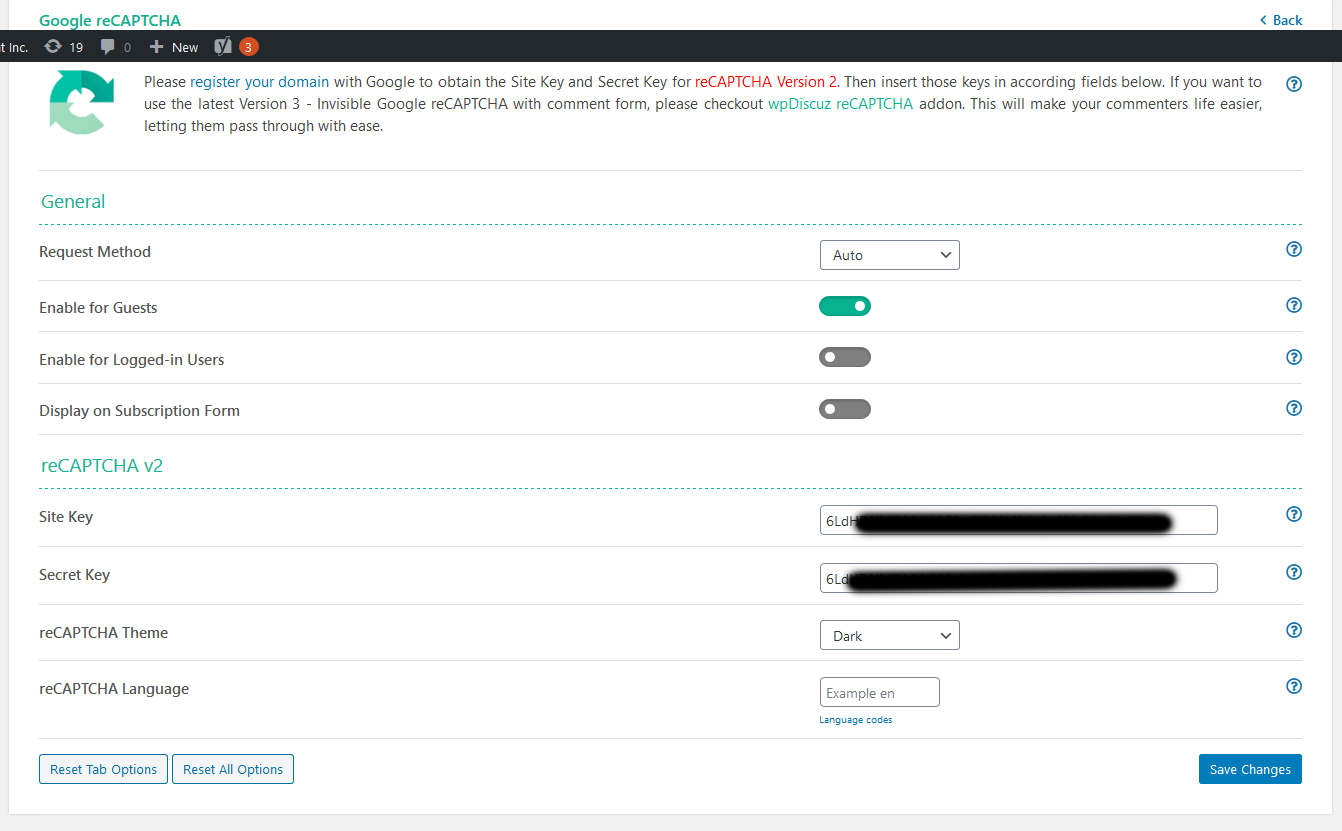
Screenshot with Comment guest turn on.

Screenshot 2020 10 05 » Settings ‹ AMP'D Entertainment Inc — WordPress
before submitting
after submitting

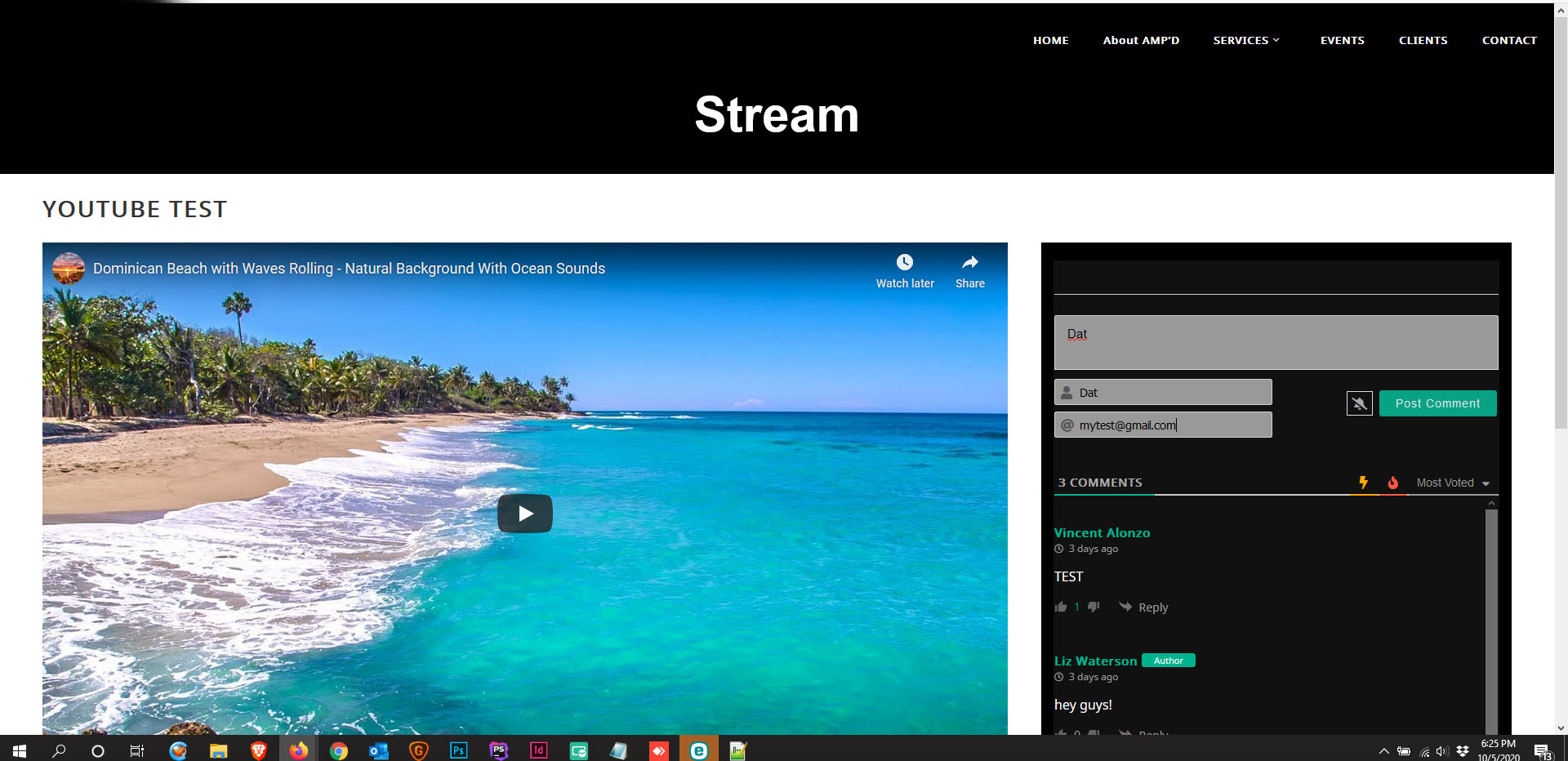
I have also try turning off the captcha in the backend and it won't allow to send the message and said that the captcha is invalid even though I have it turned off.

I have attached a screenshot of it.

Setting with Guest Turn off:

before submitting turn off
after submitting turn off

 
Posted : 06/10/2020 5:30 am
Asti
 Asti
(@asti)
Posts: 8257
Illustrious Member Support
Translate
English
Spanish
French
German
Italian
Portuguese
Russian
Chinese
Japanese
Korean
Arabic
Hindi
Dutch
Polish
Turkish
Vietnamese
Thai
Swedish
Danish
Finnish
Norwegian
Czech
Hungarian
Romanian
Greek
Hebrew
Indonesian
Malay
Ukrainian
Bulgarian
Croatian
Slovak
Slovenian
Serbian
Lithuanian
Latvian
Estonian
 

Hi @mrdev,

Please make sure there are not any other CAPTCHA plugins installed on your website. Please check the plugin list and deactivate other CAPTCHA plugins, delete all caches and check again. 


In case you want to say thank you! 🙂
We'd really appreciate if you leave a good review on the plugin page.
This is the best way to say thank you to this project and the support team.

 
Posted : 06/10/2020 11:49 am
(@mrdev)
Posts: 2
New Member
Topic starter
Translate
English
Spanish
French
German
Italian
Portuguese
Russian
Chinese
Japanese
Korean
Arabic
Hindi
Dutch
Polish
Turkish
Vietnamese
Thai
Swedish
Danish
Finnish
Norwegian
Czech
Hungarian
Romanian
Greek
Hebrew
Indonesian
Malay
Ukrainian
Bulgarian
Croatian
Slovak
Slovenian
Serbian
Lithuanian
Latvian
Estonian
 

@asti

I have solved by disabling WP Security  - Spam Prevention option that said add captcha and use the one that came with it.

Thank you


Posted : 06/10/2020 8:30 pm