Hi,
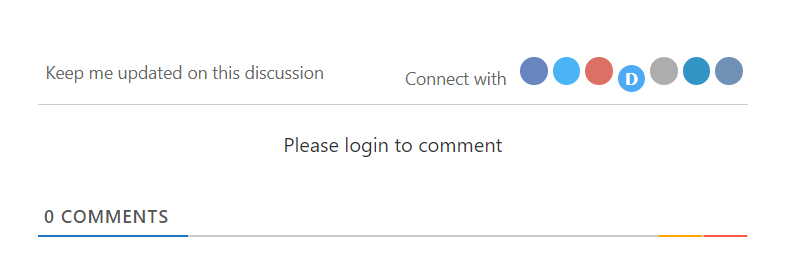
All I get is the screen in the attachment. I tried different browsers with the same result, even after having deleted their history.
Thanks for your help.
Hi @ph59,
We don't follow you well.
If you mean the social icons, then those works fine in our case, please watch this video: https://www.screencast.com/t/DSaabBWxO
If you want to enable the login link on the comment form, then, you'll need to enable the "Show “Login” link on comment form" option. It's located in the Dashboard > wpDiscuz > Settings > User Authorization and Profile admin page.
More info here: https://wpdiscuz.com/docs/wpdiscuz-7/plugin-settings/user-authorization-and-profile-data/#show-%E2%80%9Clogin%E2%80%9D-link-on-comment-form
In case you want to say thank you! 🙂
We'd really appreciate if you leave a good review on the plugin page.
This is the best way to say thank you to this project and the support team.
Hi,
Thanks for your reply.
The social icons weren't working. I deleted the website's cache and now they do.
Thank you for letting us know. Glad to hear that the issue is solved.
We're going to mark this thread as resolved. Feel free to open a new topic if you have further questions.
In case you want to say thank you! 🙂
We'd really appreciate if you leave a good review on the plugin page.
This is the best way to say thank you to this project and the support team.