Hello there, This is my second thread here... hope I'm not bothering the support team here,
but I'm having issues with the guests, they can't leave comments, they can't use the social login (google) option, in fact, the whole comment section is unclickable, they can't rate the article or vote comments or click on anything other than the login option with wordpress, hope you can help me with this.
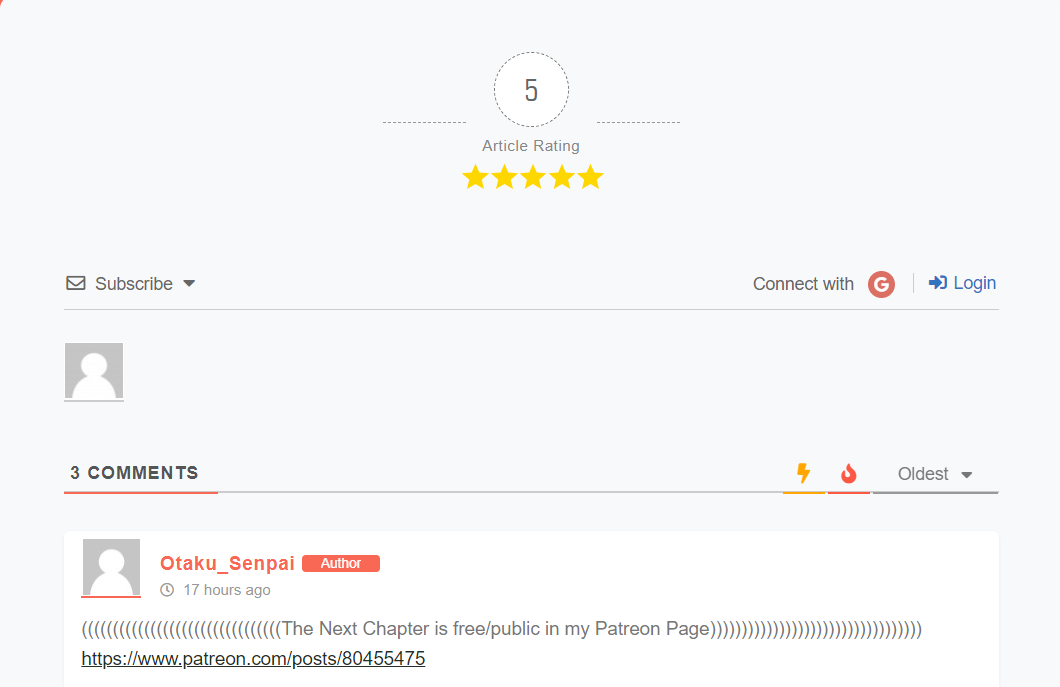
when using desktop version they the reply box doesn't appear as you can see
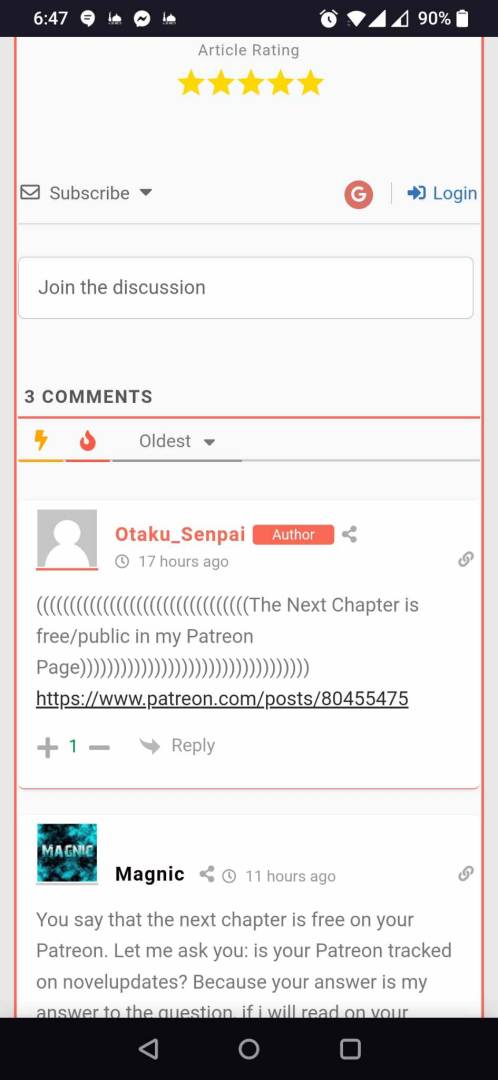
and when using the mobile version the reply box appears you can write inside it but you can't submit the comment!
Please deactivate the cache plugin and check again.
In case you want to say thank you! 🙂 We'd really appreciate if you leave a good review on the plugin page. This is the best way to say thank you to this project and the support team.
Can you help me? I'm still having the same issue, like I said before Idon't have a cache plugin, I used to have Litspeed cache before, but I'm not using it now. I don't have any cache plugins in my website.
This kind of issue is usually caused by either conflict with other plugins or the active theme.
Please deactivate the plugins/theme one by one and check after each deactivation to find the problem maker.
Keep the cache plugin (if you have) deactivated during this testing process.
Don't forget to press Ctrl+F5(twice) on the frontend each time before checking.
In case you want to say thank you! 🙂 We'd really appreciate if you leave a good review on the plugin page. This is the best way to say thank you to this project and the support team.
In case you want to say thank you! 🙂 We'd really appreciate if you leave a good review on the plugin page. This is the best way to say thank you to this project and the support team.
@asti I don't want to miss around with the theme I never deactivated the theme before and I'm afraid that after deactivating my theme something would crash
we see you've deactivated the wpDiscuz plugin so we can't provide you further support.
In case you want to say thank you! 🙂 We'd really appreciate if you leave a good review on the plugin page. This is the best way to say thank you to this project and the support team.