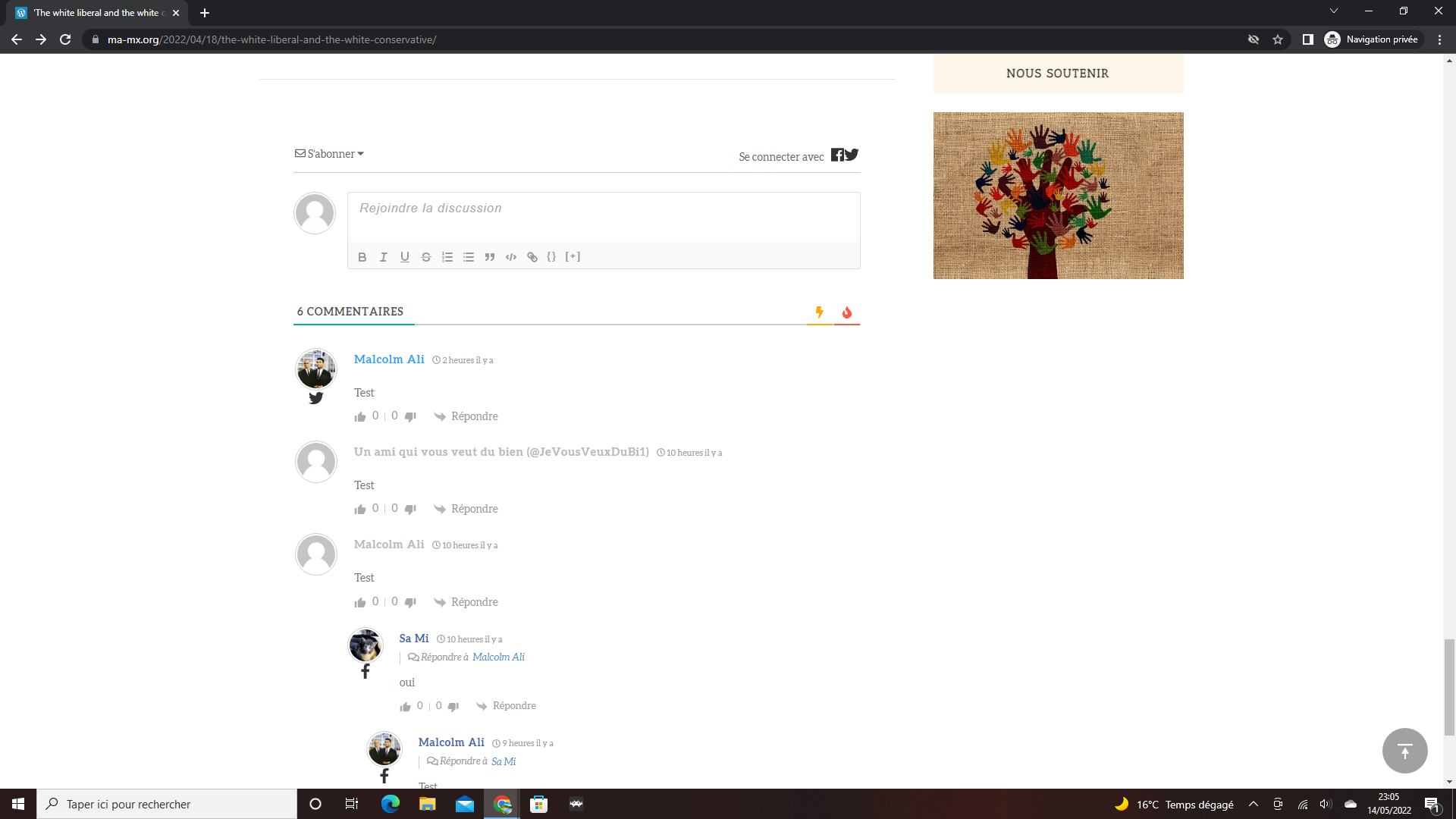
I've just set up the Discuz plugin, and I've added Facebook & Twitter logins.
The icons appear, but as you can see in the image, they appear in a strange way, looks ugly and unesthetical and not like it should be.
Could you please help me with this matter ? Sometimes when I refresh an article, the icons look correctly for less than a second and then I have the icons shown in the picture.
One of the active plugins/theme replaces the wpDiscuz Fontawesome icons with SVG, so the styles have changed. You should find the problem maker, by deactivating the plugins/ theme one by one and checking after each deactivation. Once you find a problem maker, just contact the plugins/theme support and ask them to not replace the wpDiscuz icons.
In case you want to say thank you! 🙂 We'd really appreciate if you leave a good review on the plugin page. This is the best way to say thank you to this project and the support team.
In case you want to say thank you! 🙂 We'd really appreciate if you leave a good review on the plugin page. This is the best way to say thank you to this project and the support team.
Could you please also change the active theme? Please switch some default theme and check again. It also can have some custom code which may replace the icons.
In case you want to say thank you! 🙂 We'd really appreciate if you leave a good review on the plugin page. This is the best way to say thank you to this project and the support team.
@asti Of course. I've just tried different themes, such as Twenty Twenty, Maxwell and other different themes.
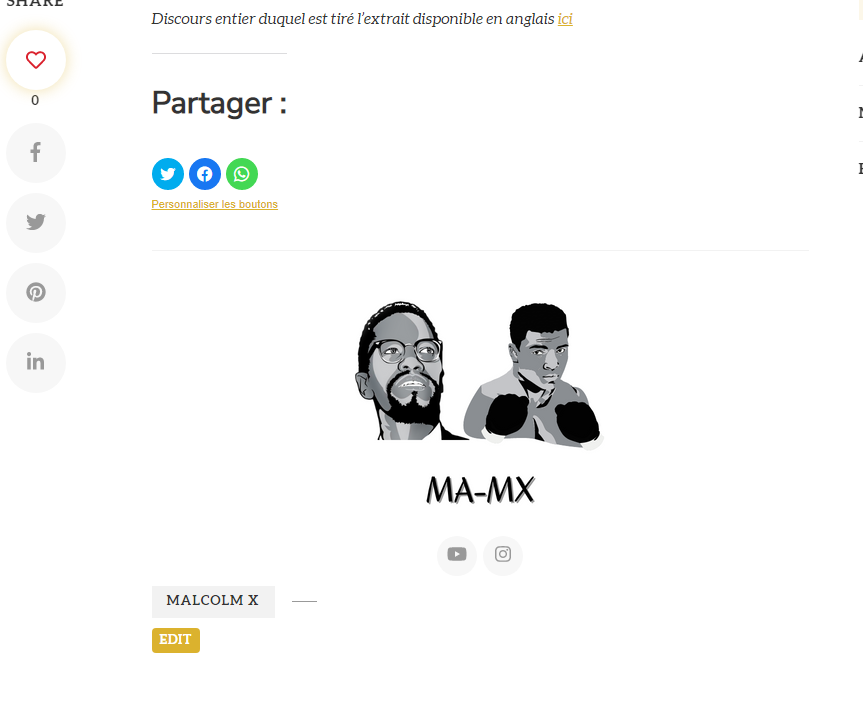
Sadly, it always shows the same SVG icon. It's strange because as you can see on my picture, on another place facebook & twitter icons seem to show correctly.
Will tell you if I find some solution, still looking.
Please create a dev/staging copy of your website in some sub-domain, make sure the problem exists and send admin details to us. You can useDuplicatorto create that site.
You can send it to info[at]gvectors.com email address.
In case you want to say thank you! 🙂 We'd really appreciate if you leave a good review on the plugin page. This is the best way to say thank you to this project and the support team.
Please send the admin login details to the info[at]gvectors.com email address and confirm us to deactivate the plugins/theme.
In case you want to say thank you! 🙂 We'd really appreciate if you leave a good review on the plugin page. This is the best way to say thank you to this project and the support team.