I recently started to integrate the Flagging and Report addon. Now, I also ave a custom Moderator role and obviously I want to send moderations a notification when a comment has been flagged. Unfortunately, I can only add one email address. Is there an API hook or something else I can use to send the notification to other recipient as well? This would go well with this custom notification plugin.
We'll provide a solution in the next version of the addon. Please wait for the next update.
In case you want to say thank you! 🙂 We'd really appreciate if you leave a good review on the plugin page. This is the best way to say thank you to this project and the support team.
You can fill in the comma-separated email addresses of website administrators, moderators to get the notifications in the "Admin Email" field.
It's located in the Dashboard > wpDiscuz > Settings > Report & Flagging admin page.
In case you want to say thank you! 🙂 We'd really appreciate if you leave a good review on the plugin page. This is the best way to say thank you to this project and the support team.
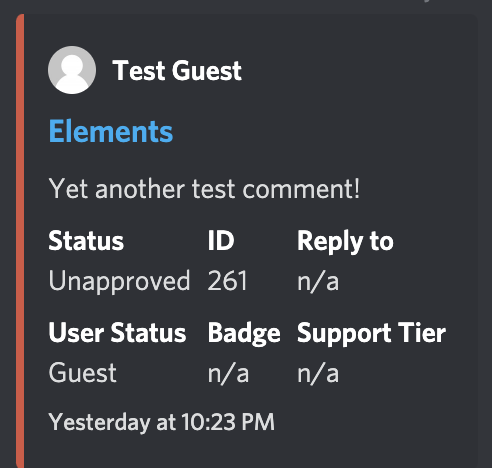
I see. Still, my needs have now evolved beyond this as I'm feeding notifications into a Discord channel now. This is far more efficient and centralized than spamming emails left and right, which drove us crazy anyway.
In regards to that, you may want to think of adding an interface for chat client webhooks anyway. The JSON structure may pose a challenge tho; otherwise it's stupid easy to push messages to channels.
Of course, I need to access the data for this when a report is made or auto-moderation happens. I guess I can intercept the email and pick it apart, probably by writing a JSON as body. But cannot say that's convenient.
I just noticed that you apparently cannot change the message for auto-moderation. It is not saved. I wanted to change it into a parsable structure. Took me hours to see that it doesn't save, searching the error on my side.
In case you want to say thank you! 🙂 We'd really appreciate if you leave a good review on the plugin page. This is the best way to say thank you to this project and the support team.
Probably you have some js errors on your website. Please check your JS errors. It seems the problem comes from JS errors. Just press F12, go to the Console tab and check JavaScript errors.
In case you want to say thank you! 🙂 We'd really appreciate if you leave a good review on the plugin page. This is the best way to say thank you to this project and the support team.
There are non JS errors, unfortunately. And you can save the "Report message body" just fine, but not the "Auto-moderation message body". It will always reset to default. It's also not saved via Ajax anyway afaik. The problem occurs on two independent servers. Turning off all plugins and using a standard theme doesn't work either.
In case you want to say thank you! 🙂 We'd really appreciate if you leave a good review on the plugin page. This is the best way to say thank you to this project and the support team.
Regarding the hook, we need some clarifications. Please let us know what data are needed in your case as arguments.
In case you want to say thank you! 🙂 We'd really appreciate if you leave a good review on the plugin page. This is the best way to say thank you to this project and the support team.
Essentially what's in the email -- report message, reported comment content/link/id, who submitted the report. Would probably be easier to just put in the whole comment object.
In case you want to say thank you! 🙂 We'd really appreciate if you leave a good review on the plugin page. This is the best way to say thank you to this project and the support team.
   if (!function_exists("my_custom_function")) {

    function my_custom_function($args) {
        // $args["email_to"]  - the sent email, that is to whom the email goes
        // $args["email_subject"] -  the email subject@
        // $args["email_message"] -  the email body
        // $args["comment"] - the comment object that has been reported or down voted
        // $args["user"] - the current user object who reports or dislikes the comment, in case of guest this is empty
    }
}
In case you want to say thank you! 🙂 We'd really appreciate if you leave a good review on the plugin page. This is the best way to say thank you to this project and the support team.