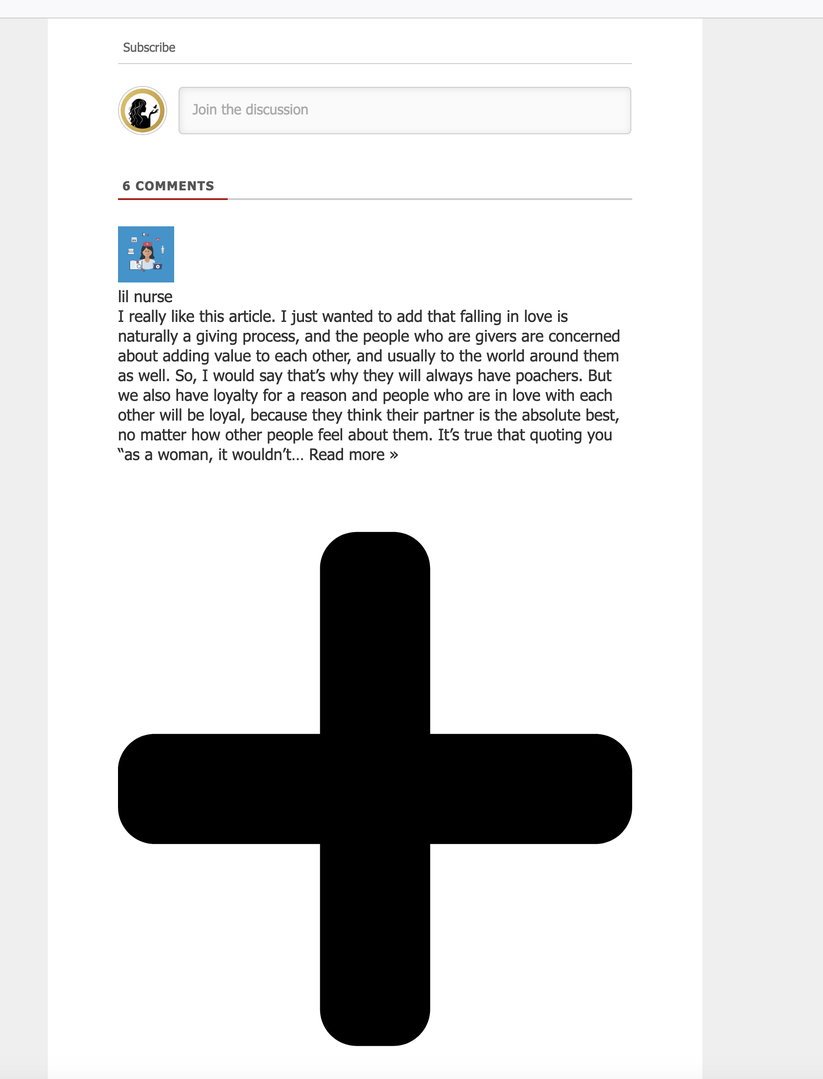
Seems like some of the the CSS is missing from the comment section when using WProcket. (See image)
I've read a few posts on here regarding some conflicts between WPRocket and WPDiscuz. I've tried deferring JS with no success. I've "updated" the default form with no success.
(This is I think a recent observation since the start of 2022.)
This seems to ONLY happen when I choose the option "Display [View Comments] button", and not an issue with "Initiate AJAX loading after page".
In case you want to say thank you! 🙂 We'd really appreciate if you leave a good review on the plugin page. This is the best way to say thank you to this project and the support team.
I've turned OFF the option "Display [View Comments] button" for now and it seems to be displaying correctly. If you need, I can turn that option on again.
In case you want to say thank you! 🙂 We'd really appreciate if you leave a good review on the plugin page. This is the best way to say thank you to this project and the support team.
Could you please send the admin login details to info[at]gvectors.com email address? I'll ask the developers to check the issue for you.
In case you want to say thank you! 🙂 We'd really appreciate if you leave a good review on the plugin page. This is the best way to say thank you to this project and the support team.
In case you want to say thank you! 🙂 We'd really appreciate if you leave a good review on the plugin page. This is the best way to say thank you to this project and the support team.