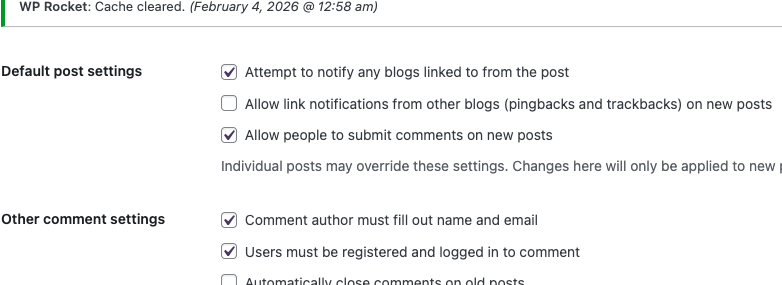
@asti Thank you that was the missing piece. After some testing, I unchecked these with success. First screenshot. So these are unchecked now. They were conflicting for sure. I also have a customizer that I messed with but it either took out all comments or put in the comments as a whole.
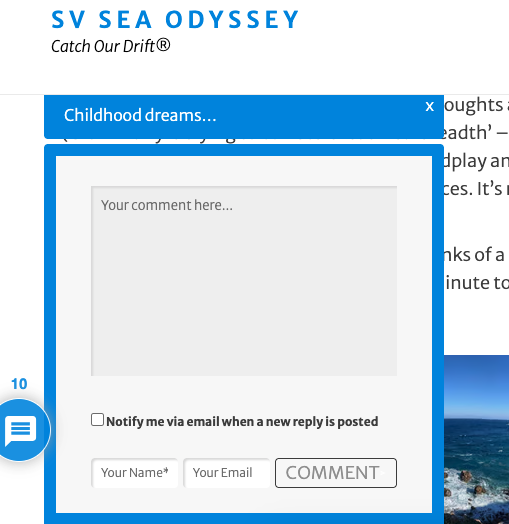
Looks good, below. No recaptcha on these inline boxes, but there is recaptcha for the comment section. Not sure if it should be on both.
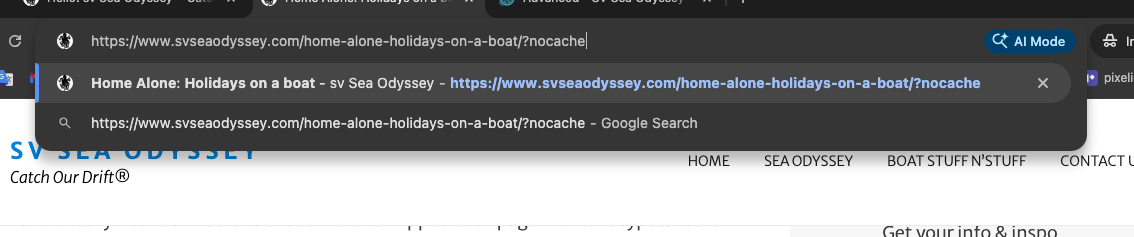
Now, the only issue I have is, lol, I can only see/use the comment section and inline comments if I add /?nocache extension. If I do not, even after clearing cache etc, nothing works. The boxes are not clickable and the comment section is not accessible. I cleared the cache everywhere, wprocket, Flywheel, and regenerated Elementor etc. I do have Cloudflare, but so far, everything is in tune as far as caching through wpRocket. I paused Cloudflare, just to be sure.
Almost there... thank you!
Please try to exclude the wpDiscuz plugin from your cache system and check again.
In case you want to say thank you! 🙂
We'd really appreciate if you leave a good review on the plugin page.
This is the best way to say thank you to this project and the support team.
@asti I have wpRocket, Cloudflare, but paused that so that isn't a factor. Any suggestions on how or where? Thank you dearly. Here are some things I noticed, never cache user agents, different URL options, query strings, and cookies. I am trying but really limited. Don't give up on me!
Could you please send the admin login details to info[at]gvectors.com email address? I'll ask the developers to check the issue for you.
In case you want to say thank you! 🙂
We'd really appreciate if you leave a good review on the plugin page.
This is the best way to say thank you to this project and the support team.
@asti Thank you, I sent it.
Please see the error message below:
Error: The password you entered for the username gvVectors is incorrect. Lost your password?
1 attempt remaining.
In case you want to say thank you! 🙂
We'd really appreciate if you leave a good review on the plugin page.
This is the best way to say thank you to this project and the support team.
@asti I sent a reset.
The developers are now able to log in and check the issue. I’ll update this topic once I have some news for you.
In case you want to say thank you! 🙂
We'd really appreciate if you leave a good review on the plugin page.
This is the best way to say thank you to this project and the support team.
We kindly ask you to create a development/staging copy of your website on a subdomain and send the admin login details to info[at]gvectors.com so we can check the issue. It’s difficult to investigate the problem on a live website.
You can use the Duplicator plugin to create the staging site.
In case you want to say thank you! 🙂
We'd really appreciate if you leave a good review on the plugin page.
This is the best way to say thank you to this project and the support team.
@asti I sent it, thank you!!
It also requires popup login information. Please include this in the email content as well.
In case you want to say thank you! 🙂
We'd really appreciate if you leave a good review on the plugin page.
This is the best way to say thank you to this project and the support team.
@asti I sent the login details under the link in the email. I sent another email, explaining. Thanks!
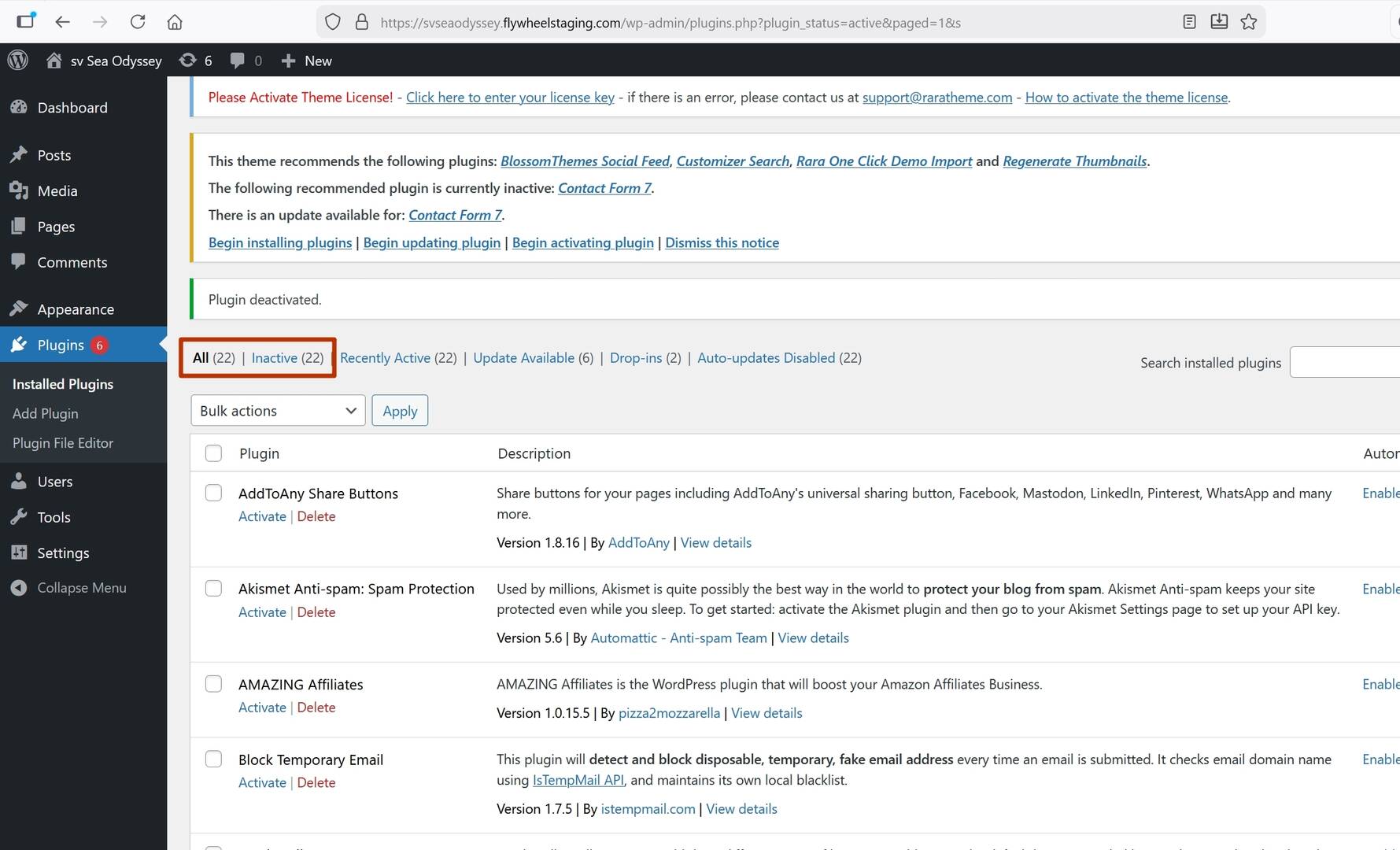
Please contact your hosting support and ask them to disable the server-side cache.
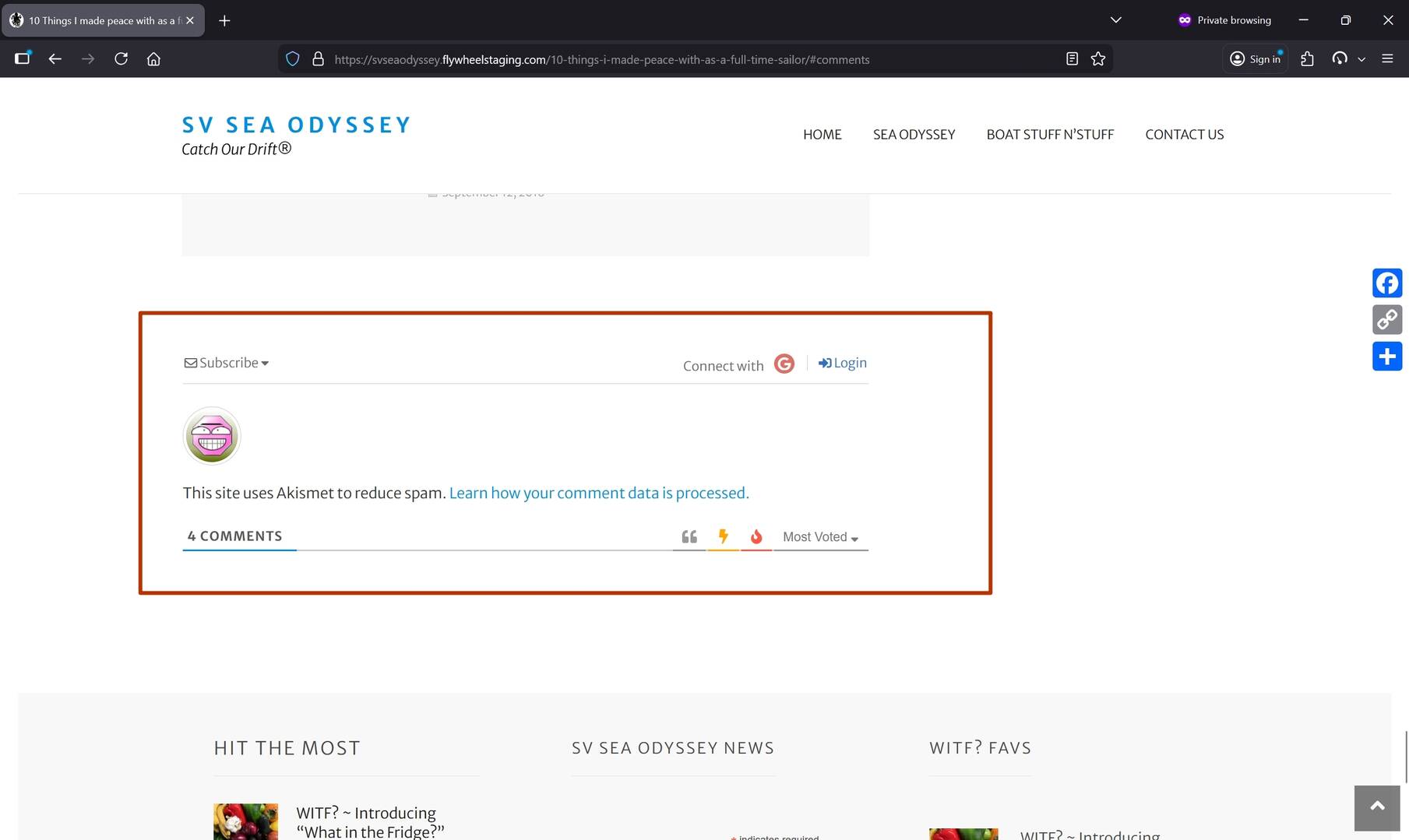
Please see the attached screenshots.
Even with all plugins deactivated, wpDiscuz is still being displayed. This indicates a hard cache on the server side.
In case you want to say thank you! 🙂
We'd really appreciate if you leave a good review on the plugin page.
This is the best way to say thank you to this project and the support team.
@asti Ok, I'll contact Flywheel now. There is a purge everything on Cloudflare I could do. Let me know. One sec.
@asti I have contacted Flywheel and they said I can put the site in development mode but the staging site is essentially uncached already. ...?