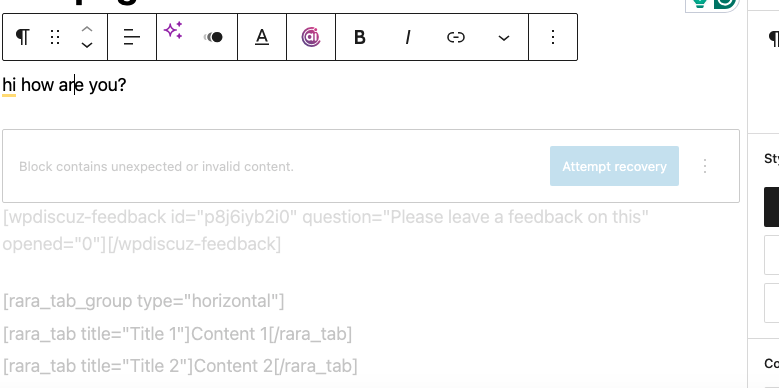
In a nutshell, wpdiscuz inline fully works in a standard post (test post called 'test page') as a block/widget but requests to recover each edit session.
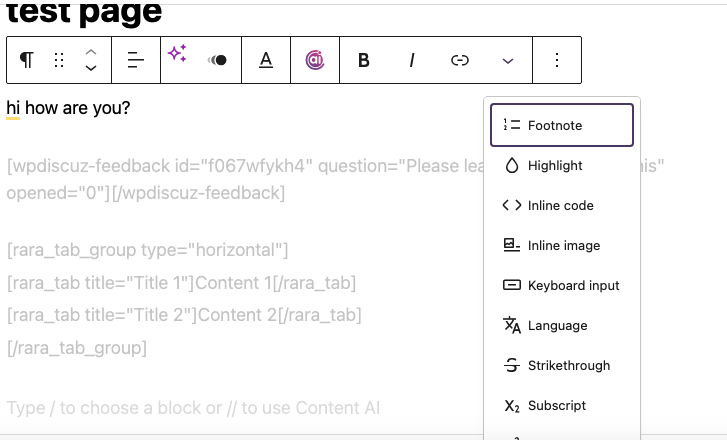
When highlighting text, the inline icon is missing.
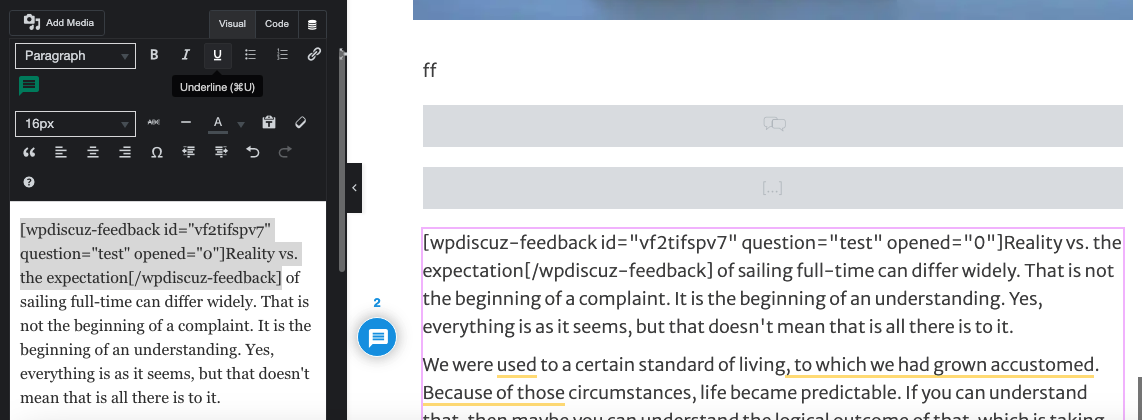
In Elementor, the icon is visible with the text editor widget, and appears to work by placing the shortcode using the highlighted text, but only renders text, not the comment bubble in the front end.
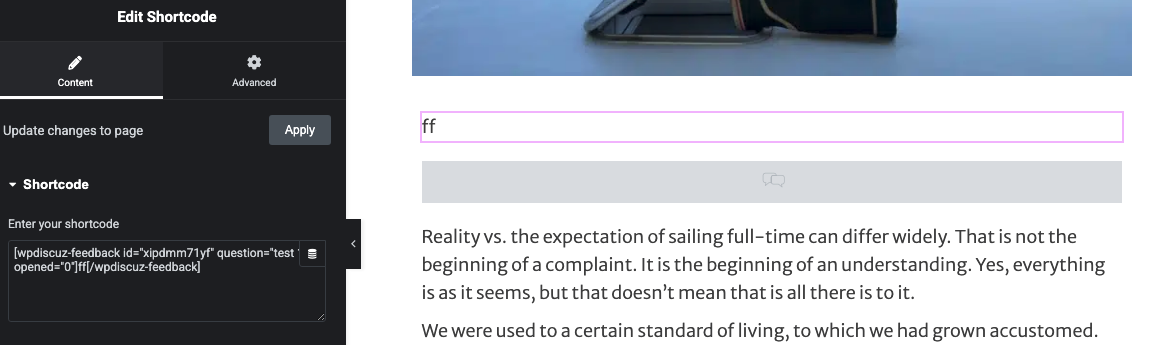
Lastly, in Elementor, the shortcode widget only renders highlighted text, no comment bubble.
What I did. All forms enabled. Purged everything, everywhere with each change. js exlusions. Using Flywheel, Cloudflare, WP Rocket, and Elementor. Cloudflare paused, WProcket exclusions helped by their team and using url optimization bypass URL, Elementor regenerated CSS etc. Flywheel flushed. Awesome fonts are showing successfully in the hottest comment area. I don't know what else to do, lol.
Hi,
Please check and make sure the is unique for each shortcode.
[wpdiscuz-feedback id="idNCXs" question="here is my question" opened="0"]What do you think of this?[/wpdiscuz-feedback]
The red marked "idNCXs" ID must be unique for each one. It seems you've used the same for each shortcode.
In case you want to say thank you! 🙂
We'd really appreciate if you leave a good review on the plugin page.
This is the best way to say thank you to this project and the support team.
Hi, thanks for the reply but they are all different. I believe you are talking about the first two screenshots? It is the same one. Same one, different screenshots. I did the recovery, it may look different, but it the same one. Thanks
In Elementor, I just saw I should highlight a whole paragraph in its own block, I tried. I know that won't change the problem, just noting I know that information now.
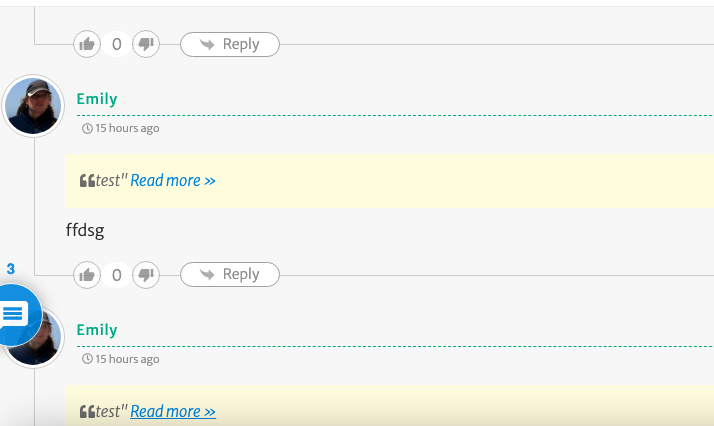
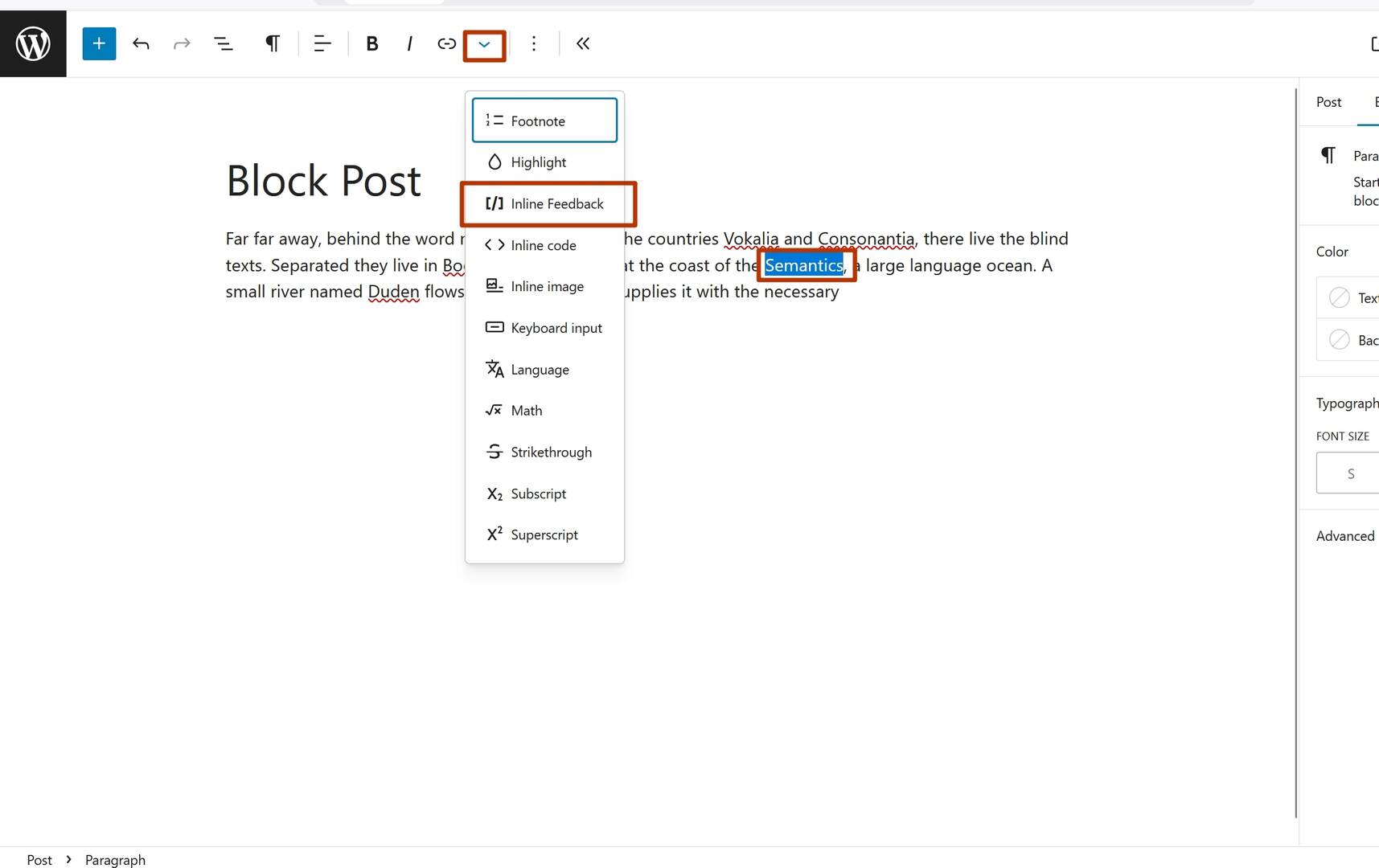
The test post I made, called test page, is published but hidden. You can see if you want. The pd to view is - help . Everything seems fine but idk. Feedback comments aren't collapsed, and the total number of comments, feedback and post comments, are being displayed. I learned I will not see an icon in the block editting drop down menu as pictured in my screenshot.
After that, Elementor is not working. Just rendering highlighted text, but see the code on the back end and wpdiscuz comment tool icon, as in screenshots.
Thank you for your help! I hope we can fix this, looks very cool!! Excited to drop a post.
@asti Actually I am not sure what you mean. I replied below, thinking something else but you weren't tagged, so I wasted time there AND I answered incorrectly. The first two screenshots are different. The third is the same text block. That is how it is displayed while editing in Elementor. Fourth screenshot, there is one. Please skip to the second reply for an update. thank you. I wanted to add to that, there are no errors in the console
Could you please provide some screenshots?
In case you want to say thank you! 🙂
We'd really appreciate if you leave a good review on the plugin page.
This is the best way to say thank you to this project and the support team.
The screenshots (third & fourth) are the same as above. Nothing has changed within Elementor. Both the text editor widget (highlighting the whole paragraph) and the shortcode widget render only the text within Elementor.
The issues in the standard editor are the feedback comments are not collapsing. I've enabled comments to collapse. And the number 3 above the comment bubble is totaling all comments, the comment section and feedback. I didn't know if that was normal. Thank you for helping!!
We'll check and get back to you soon.
In case you want to say thank you! 🙂
We'd really appreciate if you leave a good review on the plugin page.
This is the best way to say thank you to this project and the support team.
Starting from wpDiscuz v7.6.42, you can find the Inline Commenting button in the Gutenberg Paragraph block.
The Inline Commenting button is available only when text is selected. If no text is selected, the button will not appear.
Important: The Inline Commenting feature can be used only with the Paragraph block. This restriction is imposed by the Gutenberg editor.
In case you want to say thank you! 🙂
We'd really appreciate if you leave a good review on the plugin page.
This is the best way to say thank you to this project and the support team.
Sorry this did not address the main concern of not working in Elementor. Thanks, it is a nice feature to be able to work with the toolbar, but I could already use it there effectively. I can't use it in Elementor. I had a subscriber reach out saying they couldn't leave a comment even at the bottom in the standard comment box from Wordpress. So it has bee a bit of a mess across the board. Like I said, I have done a lot and consulted quite a few people and cannot get this to work. Elementor is a major player. I see several comments regarding the same matter but none that helps me. It shouldn't be this hard. Thanks tho and good luck, really. It looked fun.
Please watch this small video instraction:
In case you want to say thank you! 🙂
We'd really appreciate if you leave a good review on the plugin page.
This is the best way to say thank you to this project and the support team.
Noo, I just saw the Elementor update!! Awesome. And it works! so far... doing some testing. Very excited. Let me fix some CSS and collapsing issues... but great work! Thanks so far.
@asti Above