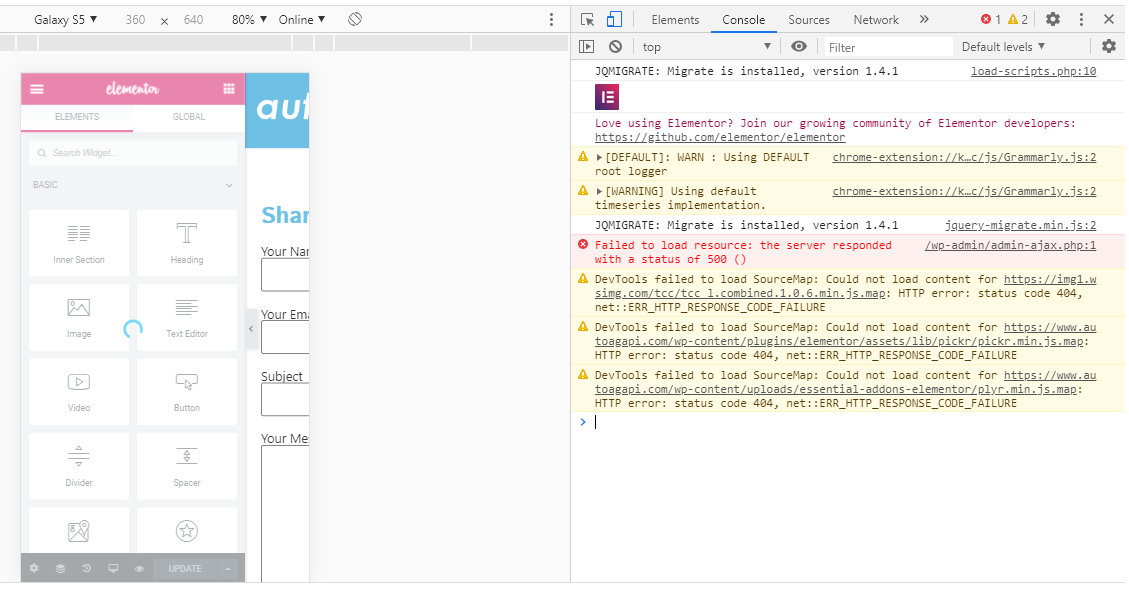
1. Go to the page you have that problem, press F12 and navigate to Console tab. There you can find all errors and find the JS file which generates it. The JS file path says it's come from plugin or from theme. Having this information will help to fix such problems and conflicts very easy.
In case you want to say thank you! 🙂 We'd really appreciate if you leave a good review on the plugin page. This is the best way to say thank you to this project and the support team.
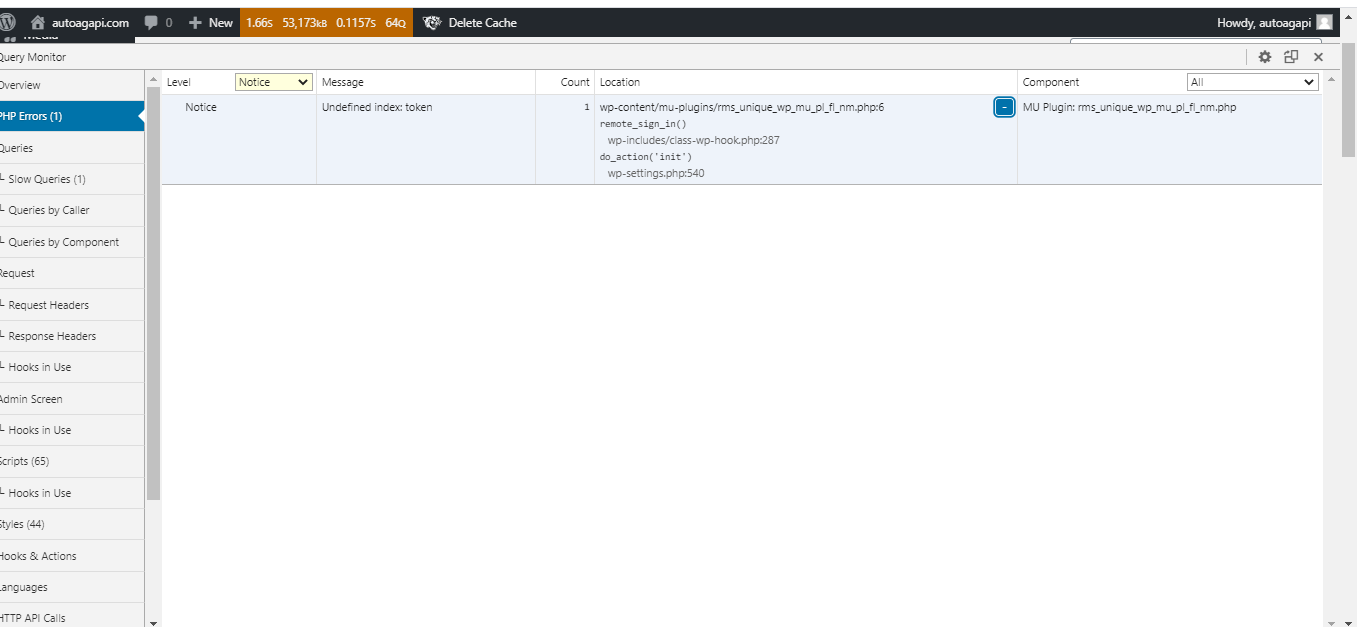
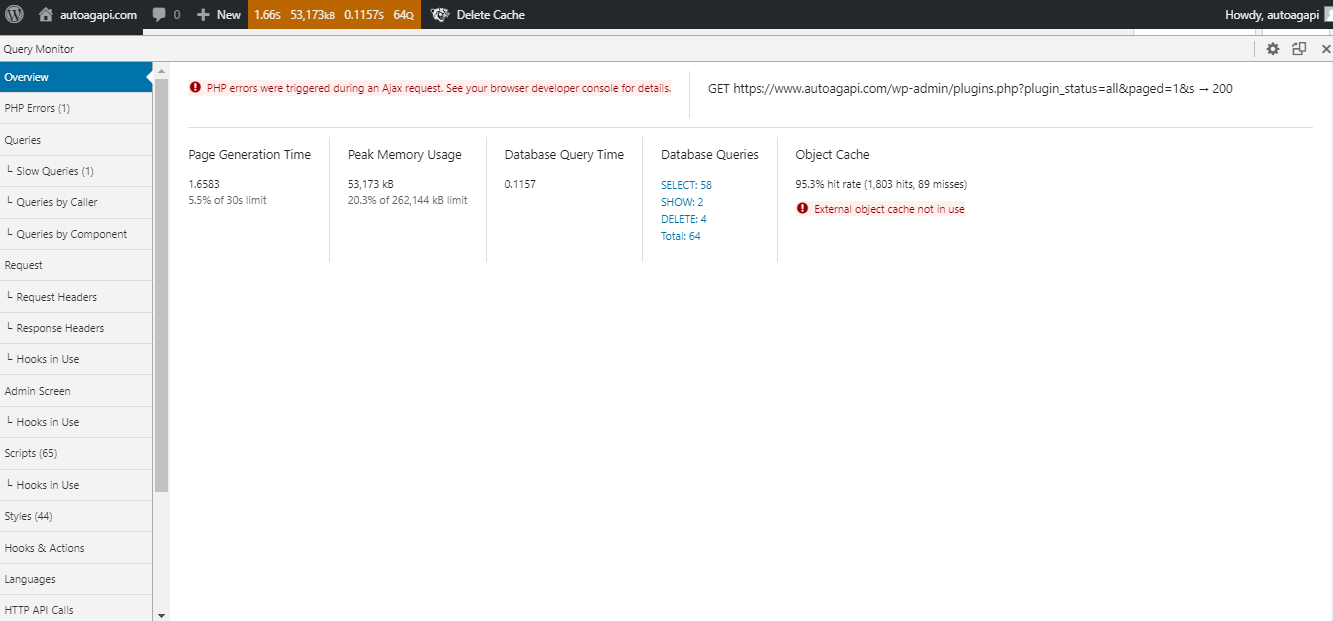
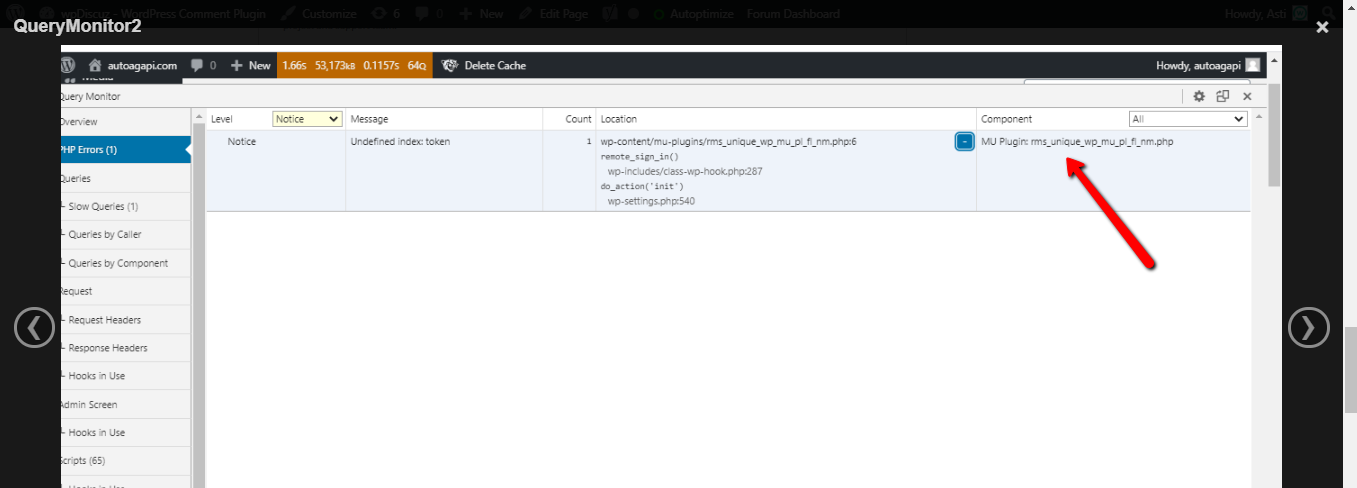
For further support please install the Query Monitor plugin and send the screenshot of the issues. It'll allow us easily debug the issue. Those issues will be still displayed on the same console tab.
Don't forget to expand it to allow us to see the full error message.
In case you want to say thank you! 🙂 We'd really appreciate if you leave a good review on the plugin page. This is the best way to say thank you to this project and the support team.
please contact your hosting support and ask them to solve the issue shown in the screenshot.
The issue comes from the MU plugin provided by them.
In case you want to say thank you! 🙂 We'd really appreciate if you leave a good review on the plugin page. This is the best way to say thank you to this project and the support team.
Could you please leave a screenshot of the issues that you see in the Query Monitor? Do you see some issues now?
In case you want to say thank you! 🙂 We'd really appreciate if you leave a good review on the plugin page. This is the best way to say thank you to this project and the support team.