Hello, I hope you're doing well. I have two important questions.
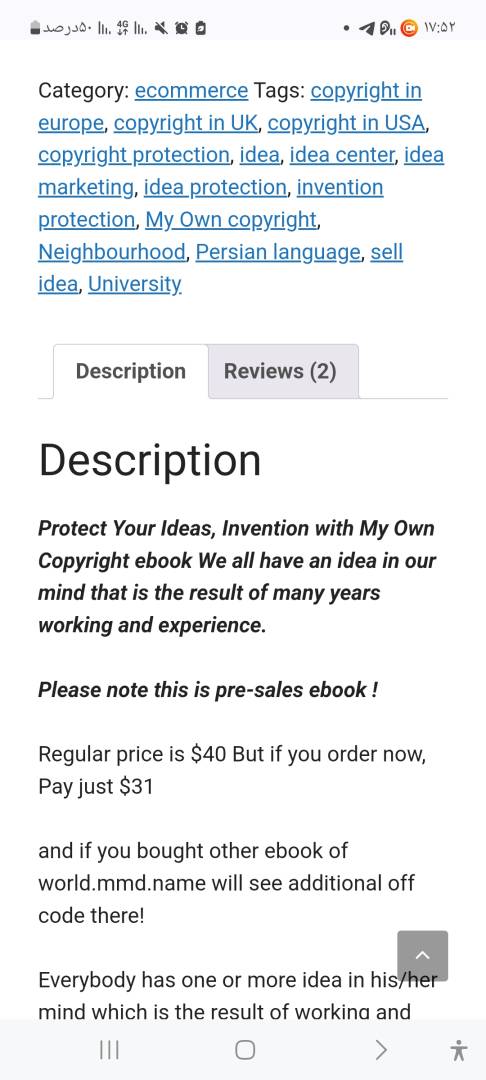
I have installed the free wpDiscuz plugin. My main goal is to enable upvoting and downvoting for comments on WooCommerce products, so that comments with the highest votes appear at the top. However, this feature is only visible in blog post comments.
I have two questions:
Does your premium version include this feature? If so, could you provide a step-by-step guide on how to enable it?
Can such a feature be implemented for my classified listing plugin on this page? Link to classified listing
Does your premium version include this feature? If so, could you provide a step-by-step guide on how to enable it?
This feature is included in the core wpDiscuz plugin. Please provide us with the URL where the wpDiscuz plugin is active, so we can see the issue.
Can such a feature be implemented for my classified listing plugin on this page? Link to classified listing
We don't follow you. Could you please clarify a bit?
In case you want to say thank you! 🙂 We'd really appreciate if you leave a good review on the plugin page. This is the best way to say thank you to this project and the support team.
In case you want to say thank you! 🙂 We'd really appreciate if you leave a good review on the plugin page. This is the best way to say thank you to this project and the support team.
As I've already mentioned, it's not the wpDiscuz comment form.
In case you want to say thank you! 🙂 We'd really appreciate if you leave a good review on the plugin page. This is the best way to say thank you to this project and the support team.
In case you want to say thank you! 🙂 We'd really appreciate if you leave a good review on the plugin page. This is the best way to say thank you to this project and the support team.
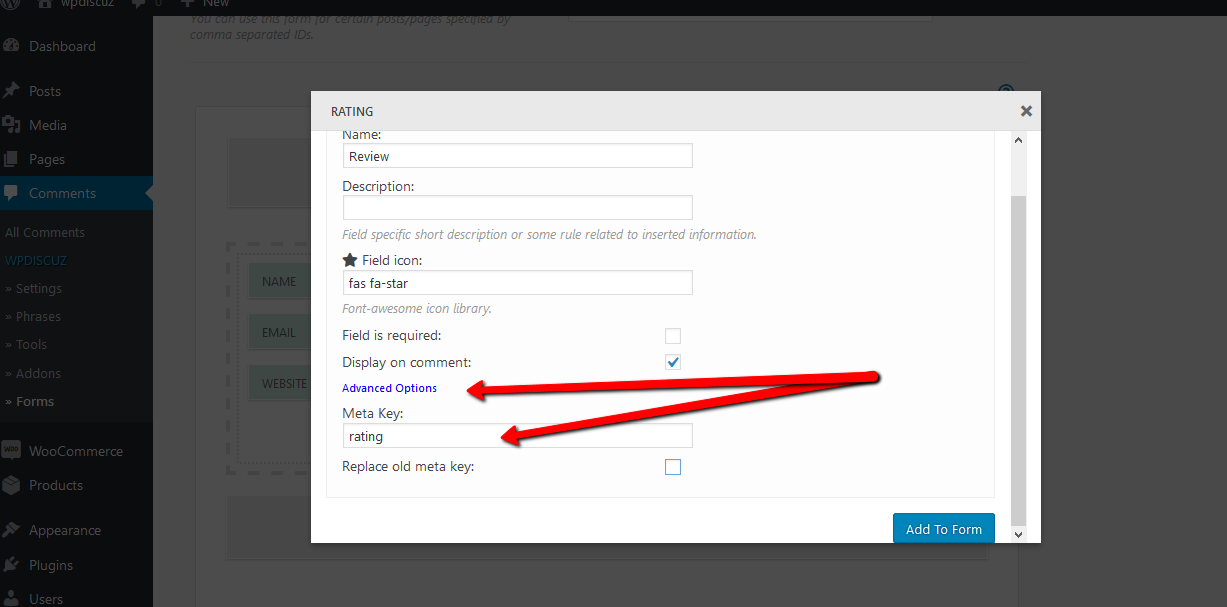
wpDiscuz can work for WooCommerce Products as a Rating Reviews with Stars. You need to create a new comment form in Dashboard > wpDiscuz > Forms admin page by clicking on [Add new] button. Set it only for “product” content type. Then add new Rating Field to Comment form. When you create the Rating field, make sure the Meta key field in Advanced Settings is set “rating”. This is very important. If you set it rating it’ll be integrated with WooCommerce Rating System.
In case you want to say thank you! 🙂 We'd really appreciate if you leave a good review on the plugin page. This is the best way to say thank you to this project and the support team.