Please clear all kinds of caches and check again. If it doesn't help, provide the URL where we can see the issue.
In case you want to say thank you! 🙂 We'd really appreciate if you leave a good review on the plugin page. This is the best way to say thank you to this project and the support team.
Insert the code in the "Custom CSS code" textarea, located in the Dashboard > wpDiscuz > Settings > Styles & Colors admin page.
Please clear all caches before checking.
Also, please try in incognito mode if you're checking on mobile devices. Because mobile browsers have a hard cache, you'll not be able to see the change immediately.
In case you want to say thank you! 🙂 We'd really appreciate if you leave a good review on the plugin page. This is the best way to say thank you to this project and the support team.
As far as I can see, the issue seems to be resolved now. Could you please confirm?
In case you want to say thank you! 🙂 We'd really appreciate if you leave a good review on the plugin page. This is the best way to say thank you to this project and the support team.
2) How is to find User ID after filling your form?
This video should be helpful for you:
In case you want to say thank you! 🙂 We'd really appreciate if you leave a good review on the plugin page. This is the best way to say thank you to this project and the support team.
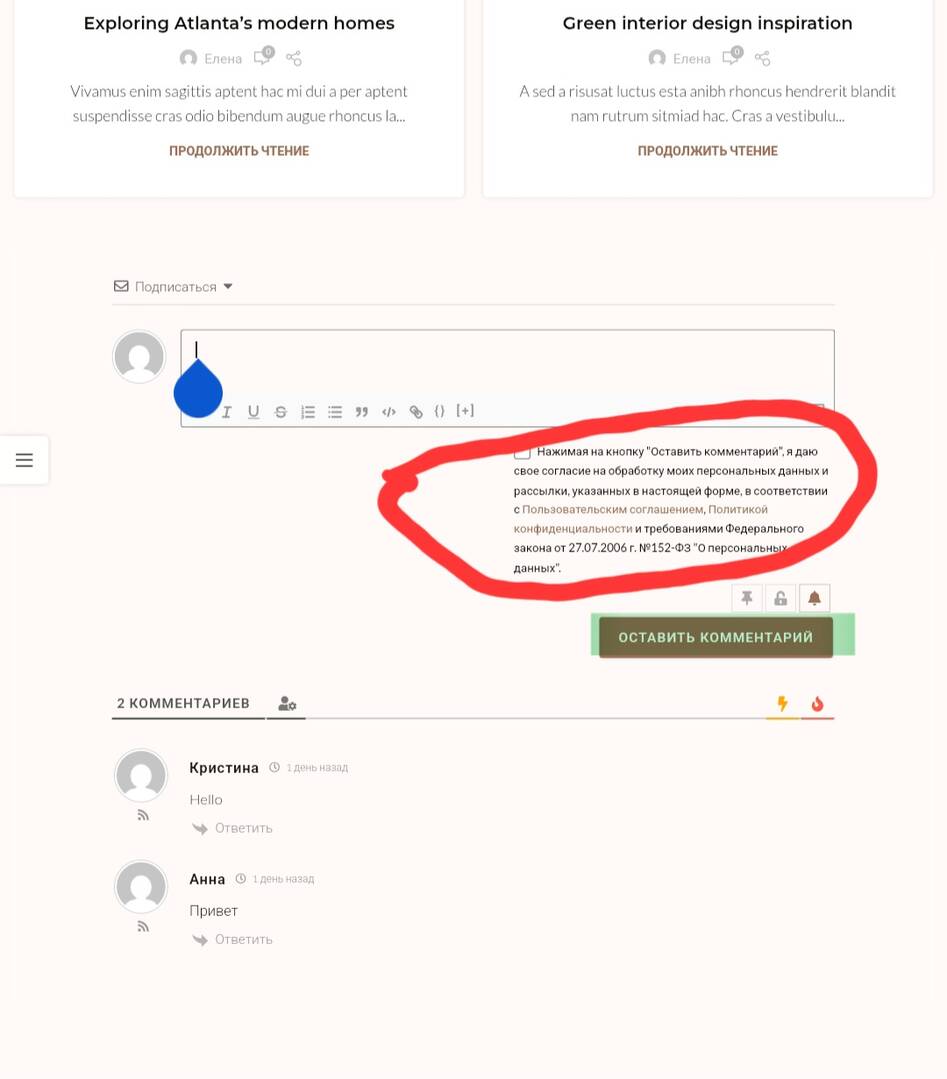
To make changes in WPDiscuz forms (the comment form plugin for WordPress), you can do it right from its settings in the WordPress dashboard—no coding needed in most cases.
Steps to Edit WPDiscuz Forms
Log into WordPress Admin
Go to your WordPress dashboard.
Open WPDiscuz Form Settings
Navigate to Comments → Forms (or WPDiscuz → Forms, depending on your version).
Select the Form to Edit
If you have multiple forms, click Edit under the one you want to modify.
Change Form Fields
Add, remove, or rename fields.
Adjust placeholders, labels, required/optional settings, and order of fields.
You can also set custom validation rules.
Customize Form Style (Optional)
Go to WPDiscuz → Settings → Styling & Colors to change the look.
For deeper styling, add custom CSS in Appearance → Customize → Additional CSS.
Save Changes
Click Update Form and clear any caching plugins so changes show up.
If you want, I can give you examples of adding a new custom field to WPDiscuz without breaking the layout. That’s where many people run into trouble. I am regular member of wpdiscuz if you need any help then find me at https://minecrftgeek.com/ .