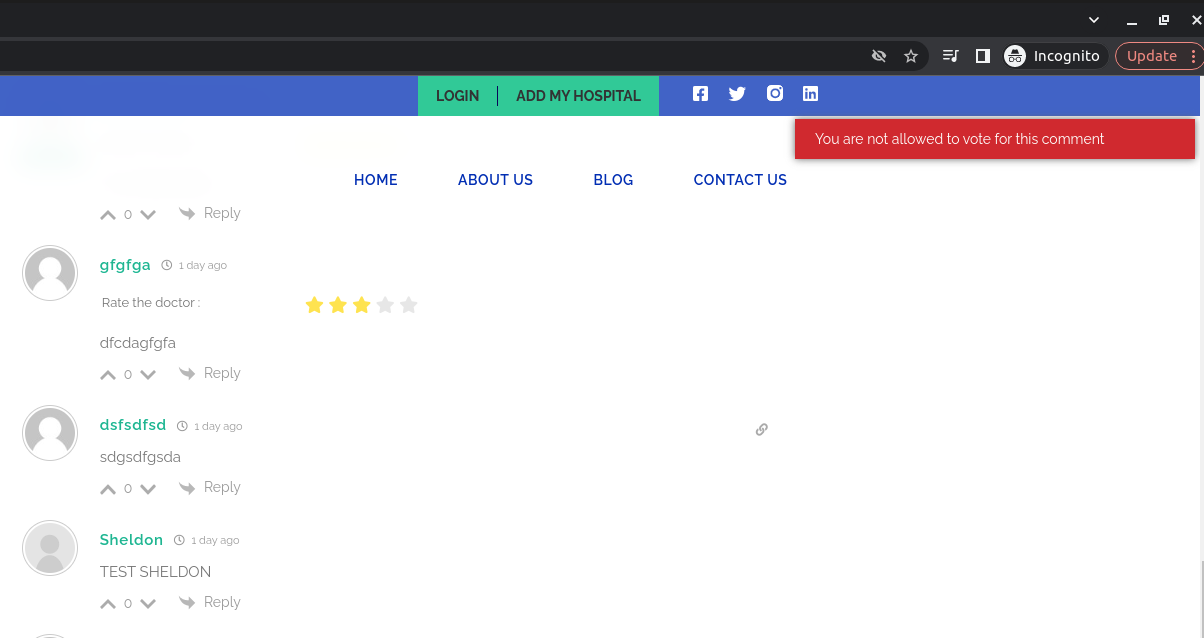
You can use the "Allow Guests to Vote for Comments" option to control it. The option is located in the Dashboard > wpDiscuz > Settings > Comment Thread Features admin page.
In case you want to say thank you! 🙂 We'd really appreciate if you leave a good review on the plugin page. This is the best way to say thank you to this project and the support team.
wpDiscuz logs your IP too. It doesn't matter if you're logged in or not, wpDiscuz detects you and knows that you're the owner of this comment. You're not allowed to vote for your comment, even if you've logged out and want to vote as a guest. Try to vote for a comment as a guest from other IP addresses.
In case you want to say thank you! 🙂 We'd really appreciate if you leave a good review on the plugin page. This is the best way to say thank you to this project and the support team.
Also, you may have a plugin that generates different IP addresses for guests/users each time, thus wpDiscuz allows you to vote on the comments.
Please deactivate all plugins and check again. If none of the plugins caused the issue, you should contact the hosting support and ask them to fix the issue.
In case you want to say thank you! 🙂 We'd really appreciate if you leave a good review on the plugin page. This is the best way to say thank you to this project and the support team.