The effects of alcohol on
sustanon 250 leucine for – real weight loss & bodybuilding benefits?
Changing Font Family of Buttons & Input Text
Summarize Topic
✦
✦
✦
AI is analyzing the discussion...
Topic starter
Translate
▼
English
Spanish
French
German
Italian
Portuguese
Russian
Chinese
Japanese
Korean
Arabic
Hindi
Dutch
Polish
Turkish
Vietnamese
Thai
Swedish
Danish
Finnish
Norwegian
Czech
Hungarian
Romanian
Greek
Hebrew
Indonesian
Malay
Ukrainian
Bulgarian
Croatian
Slovak
Slovenian
Serbian
Lithuanian
Latvian
Estonian
Show original
Translating...
Sep 25, 2020 10:25 pm
(@illesttech)
Active Member
Joined: 6 years ago
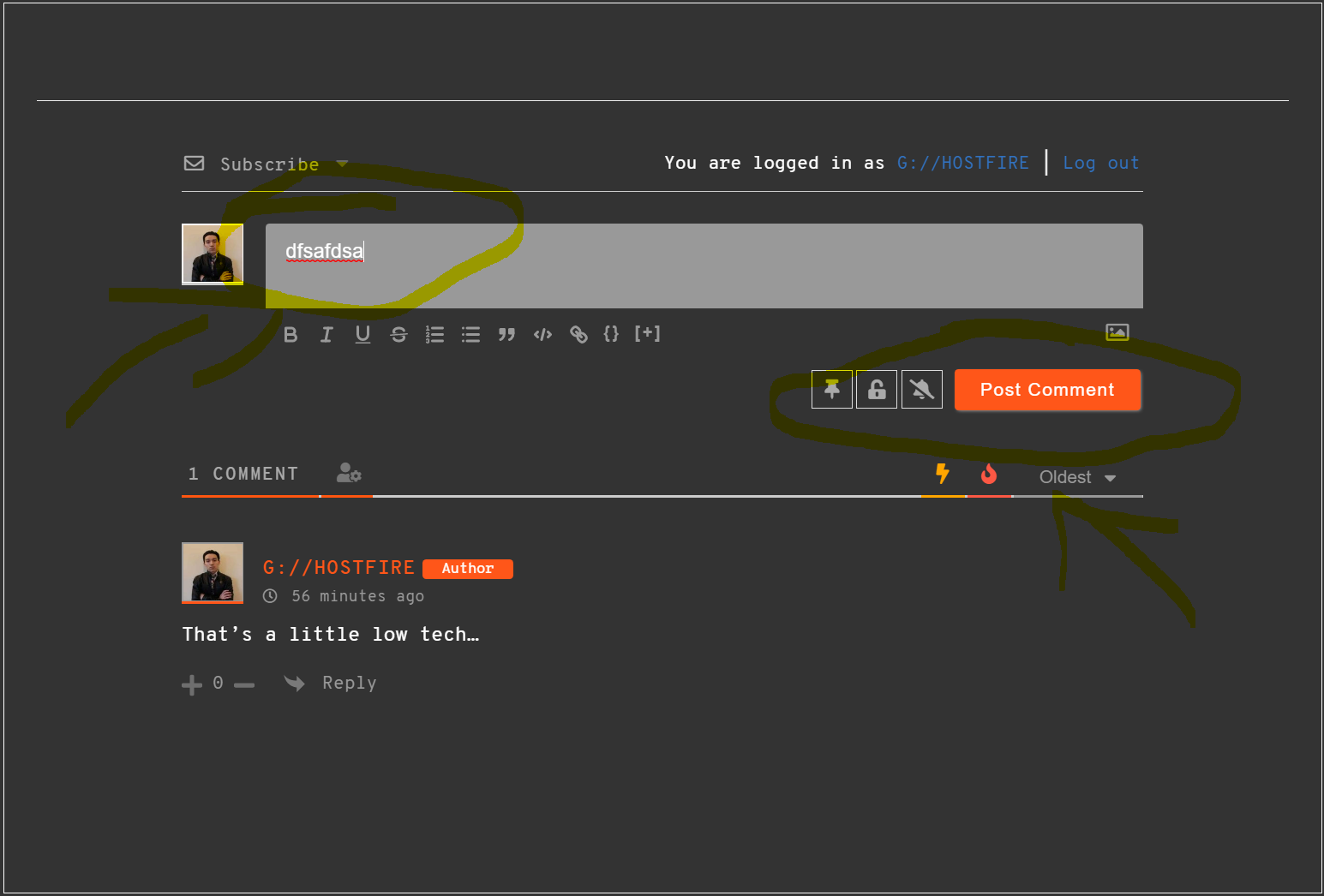
Hello. I have used the following CSS to change the font-family of my wpDiscuz.
div#wpdcom {
font-family: Overpass Mono !important;
}
However, the font of the wpDiscuz buttons and input text have not changed. Can you please advise what I should do?
Topic starter
Translate
▼
English
Spanish
French
German
Italian
Portuguese
Russian
Chinese
Japanese
Korean
Arabic
Hindi
Dutch
Polish
Turkish
Vietnamese
Thai
Swedish
Danish
Finnish
Norwegian
Czech
Hungarian
Romanian
Greek
Hebrew
Indonesian
Malay
Ukrainian
Bulgarian
Croatian
Slovak
Slovenian
Serbian
Lithuanian
Latvian
Estonian
Show original
Translating...
Sep 25, 2020 10:58 pm
(@illesttech)
Active Member
Joined: 6 years ago
(@asti)
Joined: 9 years ago
Illustrious Member
Posts: 8364
Sep 26, 2020 11:57 am
Translate
▼
English
Spanish
French
German
Italian
Portuguese
Russian
Chinese
Japanese
Korean
Arabic
Hindi
Dutch
Polish
Turkish
Vietnamese
Thai
Swedish
Danish
Finnish
Norwegian
Czech
Hungarian
Romanian
Greek
Hebrew
Indonesian
Malay
Ukrainian
Bulgarian
Croatian
Slovak
Slovenian
Serbian
Lithuanian
Latvian
Estonian
Show original
Translating...
@illesttech,
Please try this CSS code instead of the one you're using:
div#wpdcom, div#wpdcom input, #comments #wpdcom span, #respond #wpdcom span, #wpdcom span, div#wpdcom .ql-container * {
   font-family: Overpass Mono !important;
}
Put the code in the Top Admin Bar > Customize > Additional CSS > "Additional CSS" textarea, save it, delete all caches and check again.
Please don't forget to press Ctrl+F5 (twice) on the frontend before checking.
Super Globals
Options and Features