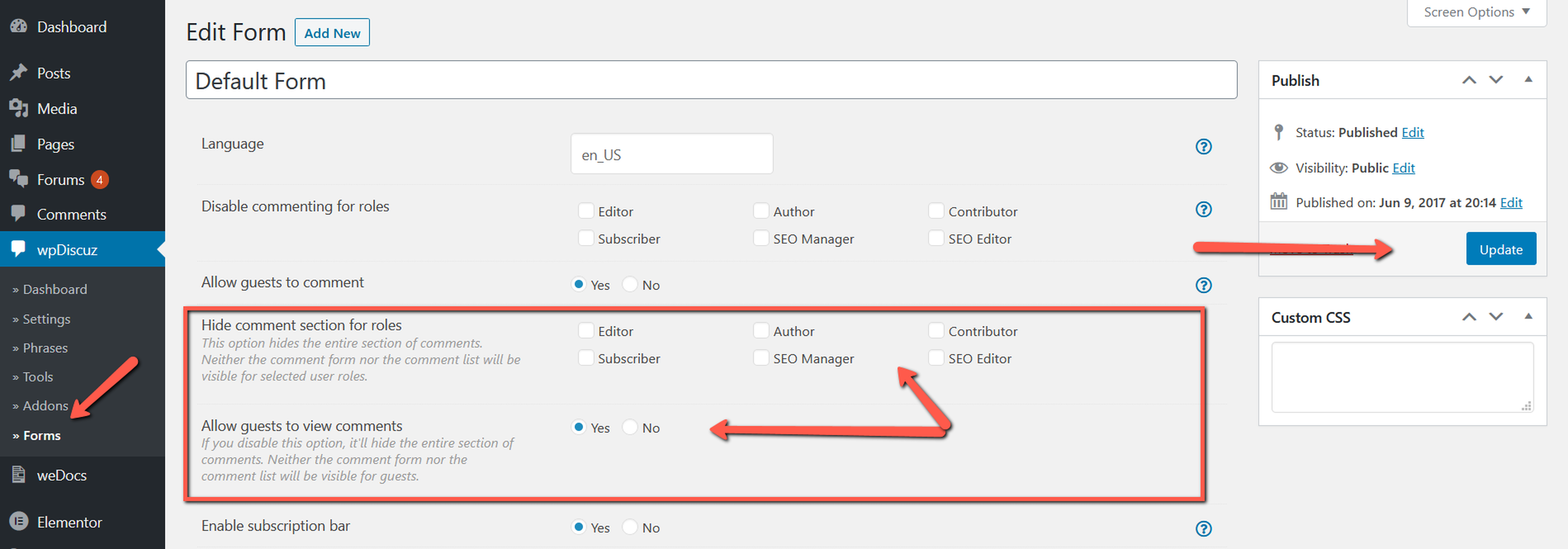
I have the setting for guest users to be able to view and add comments set for my default form. wpDiscuz used to work perfectly. Then sometime in the past couple months when updating versions, it stopped working. The settings are still there. Guest users can comment, but guest users cannot see comments.
This seems to be a common problem from searching for the reason. The answer was never clear as it was usually blamed on another plugin. I don't have any of the plugins that were mentioned. I cannot start deactivating plugins on my production site so I created a copy on my staging server. Once that was created, the guest users could see the comments for some reason.
Do you have any other suggestions on what could be stopping guest users to see comments from wpDiscuz?
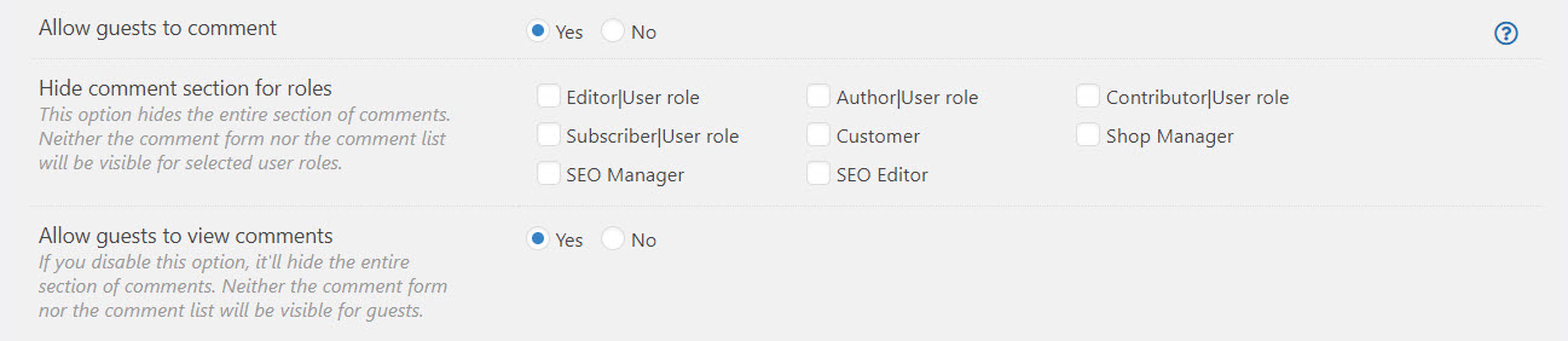
Please let us know how many forms do you have? If there is only one comment form please edit it and leave a screenshot of the "Hide comment section for roles" section.
If there are more than one forms, please edit the other forms as well and make sure guests are permitted to see comments.
In case you want to say thank you! 🙂 We'd really appreciate if you leave a good review on the plugin page. This is the best way to say thank you to this project and the support team.
Thanks for the reply. I have 1 form and I attached the screenshot. I just installed version 7.2.0 and I "think" it may be working. I have tried multiple browsers not logged in and it shows for me. I'm waiting for confirmation from someone else I asked to check.
Please leave here some example URL, we'll check it as well.
In case you want to say thank you! 🙂 We'd really appreciate if you leave a good review on the plugin page. This is the best way to say thank you to this project and the support team.
In case you want to say thank you! 🙂 We'd really appreciate if you leave a good review on the plugin page. This is the best way to say thank you to this project and the support team.
Probably it was just a cache issue. Now it is too hard to understand the issue as far as we don't see it.
In case you want to say thank you! 🙂 We'd really appreciate if you leave a good review on the plugin page. This is the best way to say thank you to this project and the support team.