


The effects of alcohol on sustanon 250 leucine for – real weight loss & bodybuilding benefits?
Search
Close
AI Search
Classic Search
 Search Phrase:
 Search Type:
Advanced search options
 Search in Forums:
 Search in date period:

 Sort Search Results by:

AI Assistant
How to get the Soci...
 
Notifications
Clear all

How to get the Social Icons to appear for users to write a comment

2 Posts
2 Users
0 Reactions
5,011 Views
Posts: 1
Topic starter
Translate
English
Spanish
French
German
Italian
Portuguese
Russian
Chinese
Japanese
Korean
Arabic
Hindi
Dutch
Polish
Turkish
Vietnamese
Thai
Swedish
Danish
Finnish
Norwegian
Czech
Hungarian
Romanian
Greek
Hebrew
Indonesian
Malay
Ukrainian
Bulgarian
Croatian
Slovak
Slovenian
Serbian
Lithuanian
Latvian
Estonian
(@patfin)
New Member
Joined: 6 years ago
[#430]
I am trying to figure out why the social icons are not appearing on my website. I have everything turned on Settings > Social Login and Share. And the Google, Facebook, Twitter and Disqus turned on.  
 
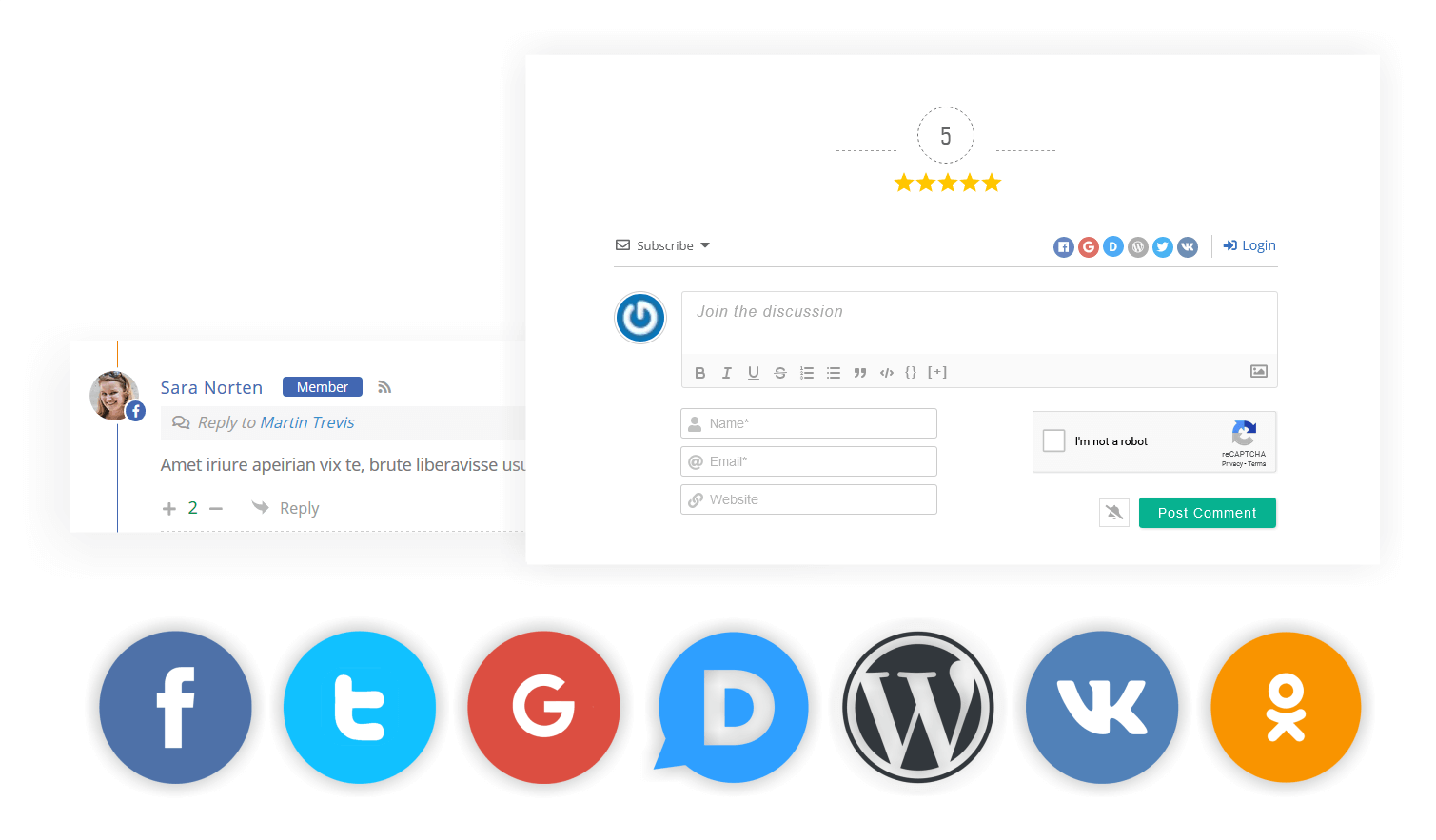
However, my site is not showing those icons for a user to login. I want it to look like your demo with the social icons on the right hand side next to upper right login button. 
 
Like this:

1 Reply
Asti
Posts: 8218
 Asti
Support
Translate
English
Spanish
French
German
Italian
Portuguese
Russian
Chinese
Japanese
Korean
Arabic
Hindi
Dutch
Polish
Turkish
Vietnamese
Thai
Swedish
Danish
Finnish
Norwegian
Czech
Hungarian
Romanian
Greek
Hebrew
Indonesian
Malay
Ukrainian
Bulgarian
Croatian
Slovak
Slovenian
Serbian
Lithuanian
Latvian
Estonian
(@asti)
Illustrious Member
Joined: 8 years ago

Hi @patfin.

Please make sure you've enabled all social login sharing options, fill correctly all Application keys. 

Then delete all caches and press CTRL+F5 (twice) on the frontend. 

More info here: https://wpdiscuz.com/docs/wpdiscuz-7/plugin-settings/social-login-and-share


Reply