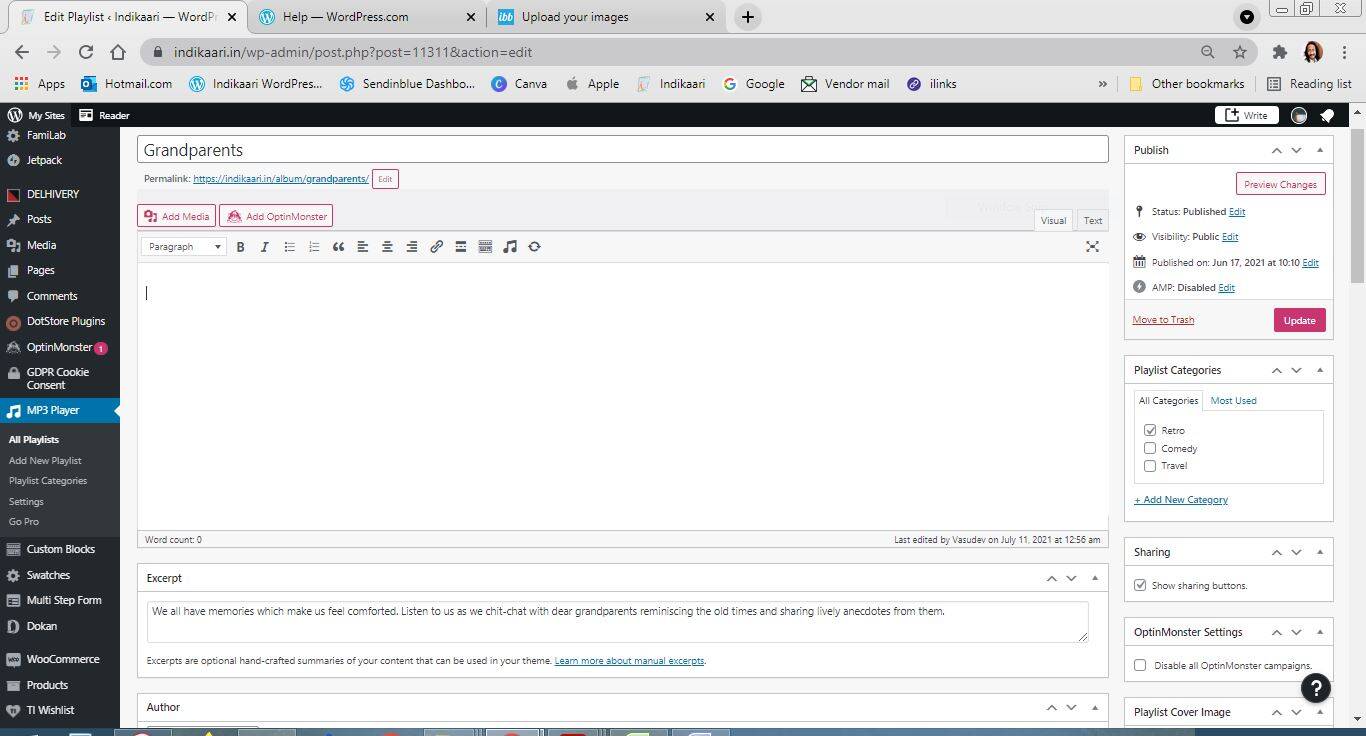
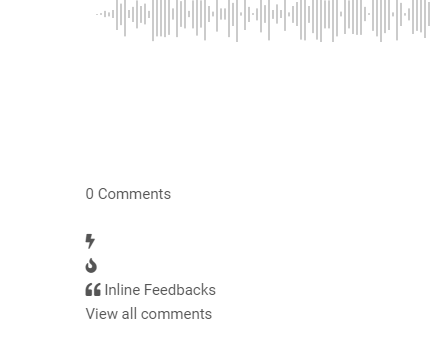
I want to add commenting to dynamic pages created by a plugin Sonaar. I create a playlist and then I get this as output automatically generated. I need to place comments in this.
wpDiscuz uses the post object, that may be the same in your plugin, so it may display the same comments under each item of the album. You may have only one comment section for each album.
In case you want to say thank you! 🙂 We'd really appreciate if you leave a good review on the plugin page. This is the best way to say thank you to this project and the support team.
In case you want to say thank you! 🙂 We'd really appreciate if you leave a good review on the plugin page. This is the best way to say thank you to this project and the support team.
Thank you for the information. I think you missed the point that your forms are visible everywhere except the player. For example on https://www.indikaari.in/album/grandparents/
So I got how exactly you can help me - by helping me get the shortcode. As I said, it is visible in all post pages except those created by a plugin. I need to add shortcode there. It'll be great if you would share that in a lay man's language.
In case you want to say thank you! 🙂 We'd really appreciate if you leave a good review on the plugin page. This is the best way to say thank you to this project and the support team.
In case you want to say thank you! 🙂 We'd really appreciate if you leave a good review on the plugin page. This is the best way to say thank you to this project and the support team.
@asti Thank you for being so prompt and patient. But I still cannot get the shortcode right after enabling forms on post. One error which I might be making is that the shortcode does not have any information about which form to use from the shortcode. Probably that is why the shortcode is being detected but no form is coming. I am saying this out of common sense and may be wrong.
Please leave some screenshots or video of all the customizations you've made.
In case you want to say thank you! 🙂 We'd really appreciate if you leave a good review on the plugin page. This is the best way to say thank you to this project and the support team.
Could you please send the admin login details to info[at]gvectors.com email address? I'll ask the developers to check the issue for you.
In case you want to say thank you! 🙂 We'd really appreciate if you leave a good review on the plugin page. This is the best way to say thank you to this project and the support team.
In case you want to say thank you! 🙂 We'd really appreciate if you leave a good review on the plugin page. This is the best way to say thank you to this project and the support team.