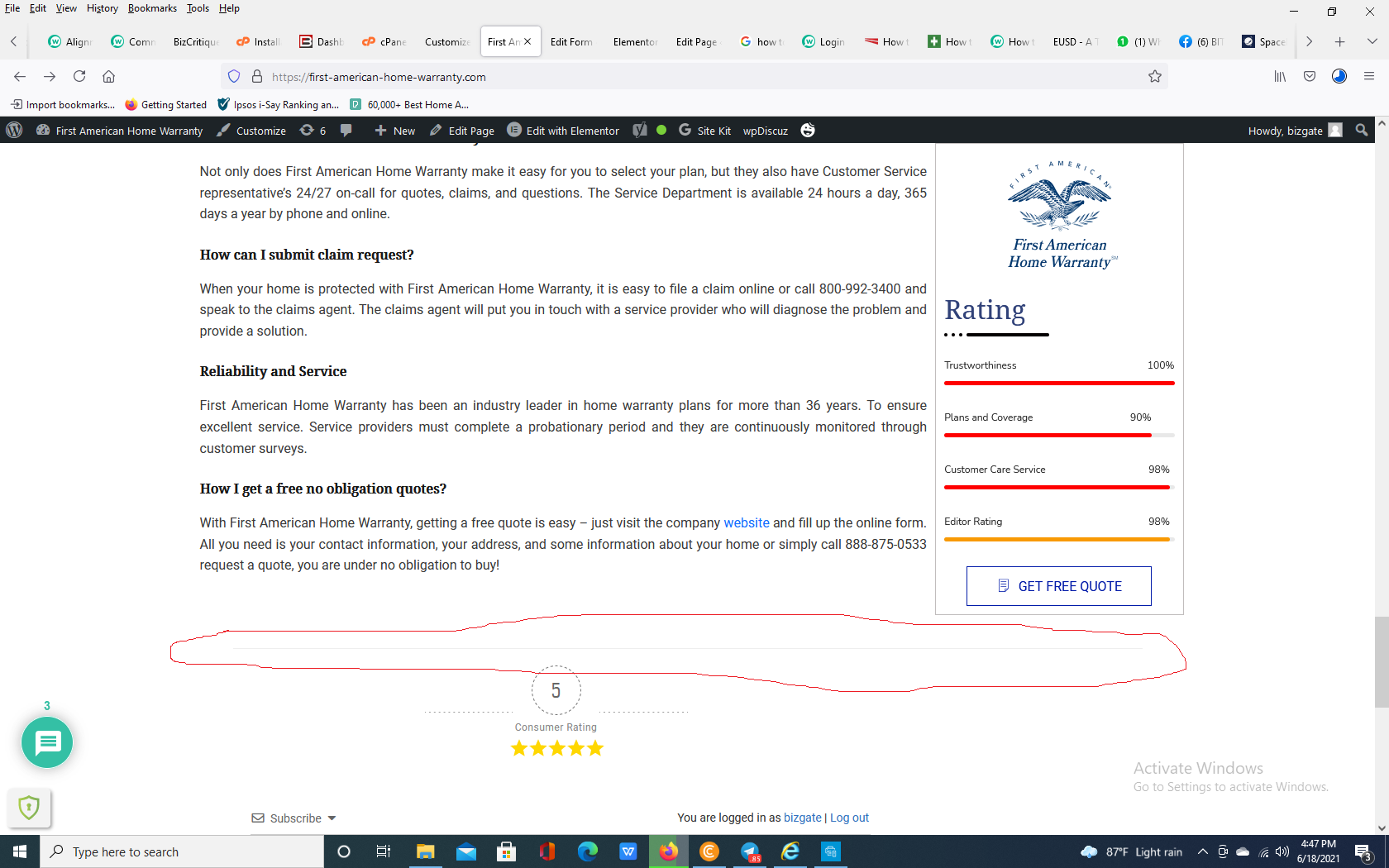
Is there any any way to align the comment section to left side of the page? as it appears in the center. you can have a look at home page to have an idea https://first-american-home-warranty.com
Put the code in the Top Admin Bar > Customize > Additional CSS > "Additional CSS" textarea, save it, delete all caches and check again.
Please don't forget to press Ctrl+F5 (twice) on the frontend before checking.
In case you want to say thank you! 🙂 We'd really appreciate if you leave a good review on the plugin page. This is the best way to say thank you to this project and the support team.
but the article rate is still in the center. is it possible to change that as well. and one more thing is it possible to Article Rating to Consumer Rating?
In case you want to say thank you! 🙂 We'd really appreciate if you leave a good review on the plugin page. This is the best way to say thank you to this project and the support team.
I'm sorry, but there is not any solution for this. You should either use the code or remove it.
In case you want to say thank you! 🙂 We'd really appreciate if you leave a good review on the plugin page. This is the best way to say thank you to this project and the support team.
you should remove the whole code provided in this post. In this case, the rating will not be in the center.
In case you want to say thank you! 🙂 We'd really appreciate if you leave a good review on the plugin page. This is the best way to say thank you to this project and the support team.
Ok for the moment will use it as it is. Guess most of the issues are solved and looking good right now. in case if you get a solution to reduce the length of that line please leave a message.




Hi All,
Is there any any way to align the comment section to left side of the page? as it appears in the center. you can have a look at home page to have an idea https://first-american-home-warranty.com